10 min read



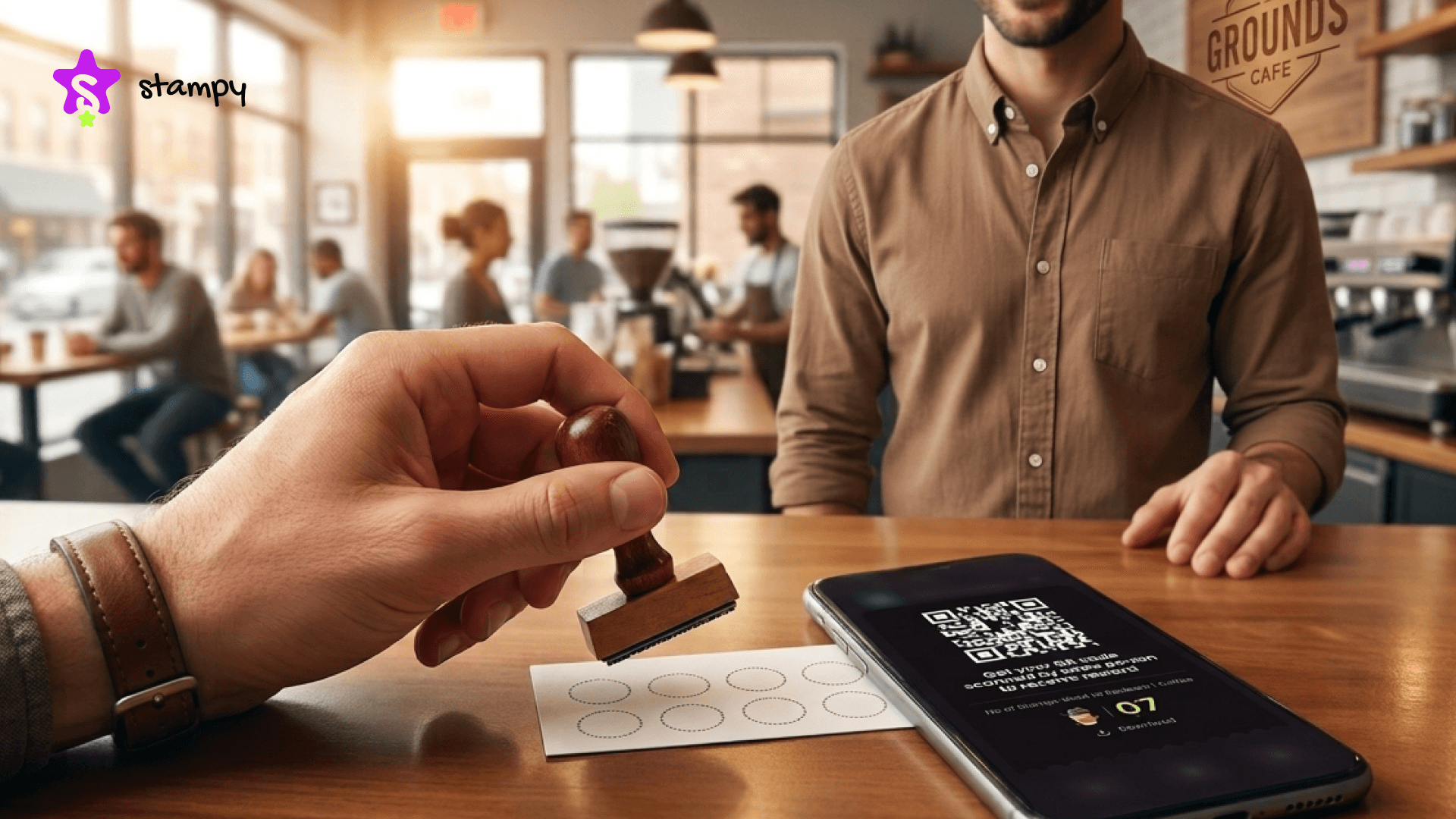
You have probably handed over a paper stamp card at a coffee shop or salon at some point. The concept is obvious: buy enough times, get something free. Simple, and for a long time, good enough. But paper cards get lost, fade, and they fall apart in wallets, and when they do, that customer rarely bothers starting over from scratch.
Punch card software takes the same basic loyalty idea and moves it somewhere customers will not lose. For businesses, it also means actually knowing what is working and what is not, instead of guessing based on how many cards got redeemed last month.
If you run a cafe, a salon, or any kind of retail shop, read our punch card software guide before making any decisions about your loyalty program. This article covers what punch card software is, how it works, what features to look for, and how to choose the right tool for your business size and budget.
What Is Punch Card Software?
Punch card software replaces the paper stamp card with a digital system that customers carry on their phones. Instead of handing out a physical card at every visit, businesses use an app to track purchases automatically.
Customers earn stamps or points when they buy qualifying products, and those build toward a reward they can claim when ready. Everything lives in the cloud. No lost cards, no reprinting costs, no staff counting stamps at the end of the week. Most platforms run through a mobile app, a web interface, or QR code scanning at checkout.
The concept is identical to a paper card. What changes is visibility: you can see what is happening with your program, and your customers do not have to dig through their wallets to participate.
How Does Punch Card Software Work?
The process is more straightforward than it sounds. A business owner sets up an account on a punch card platform, configures their store profile, and builds campaigns. Each campaign defines which products qualify, how many stamps each purchase earns, and what reward waits at the end.
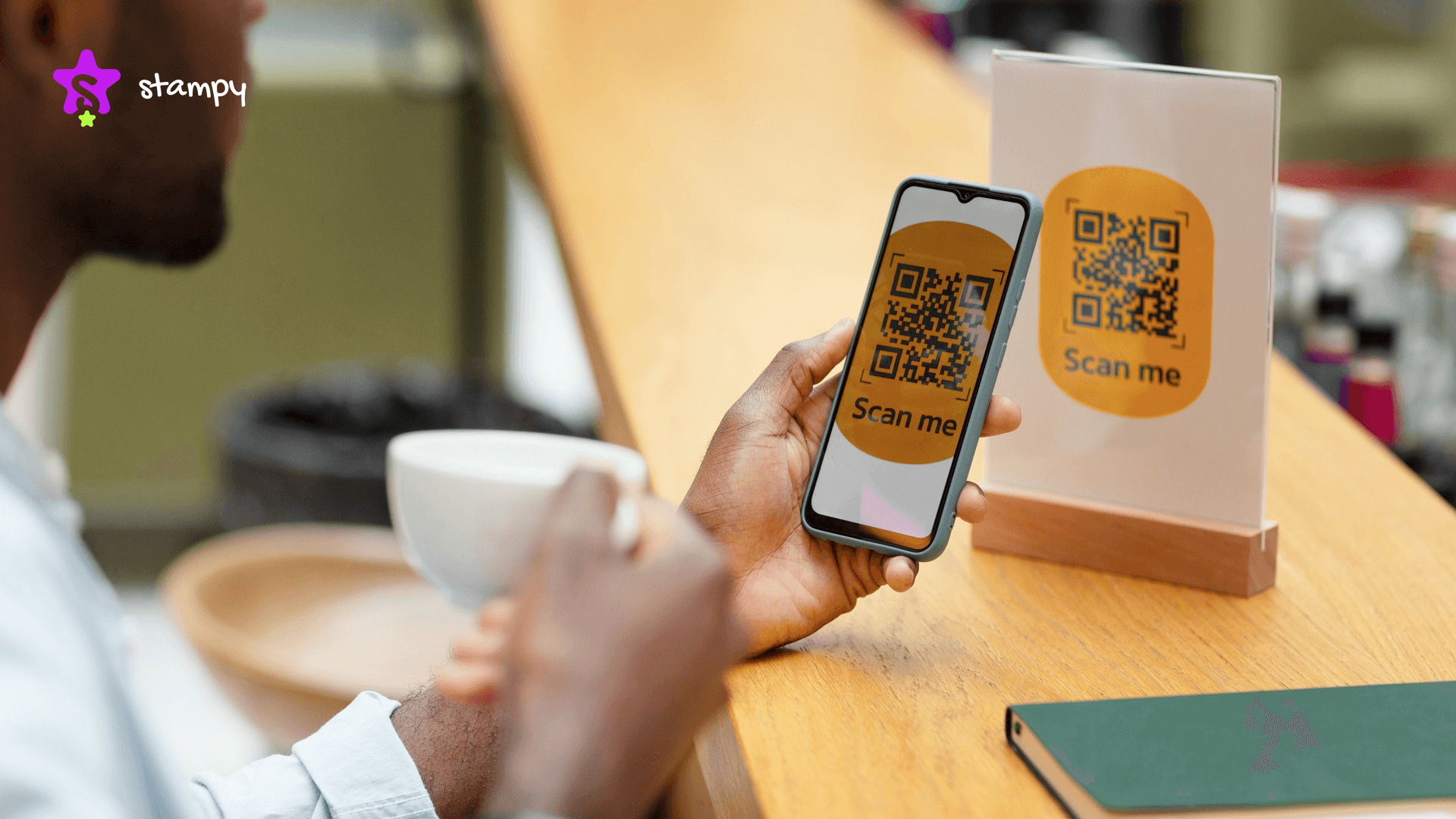
Once a campaign goes live, customers join by scanning a QR code at the point of sale using their phone. Each scan adds the right number of stamps to their account immediately, with no manual input needed from staff. When they hit the required count, they redeem their reward through the app and get instant confirmation.
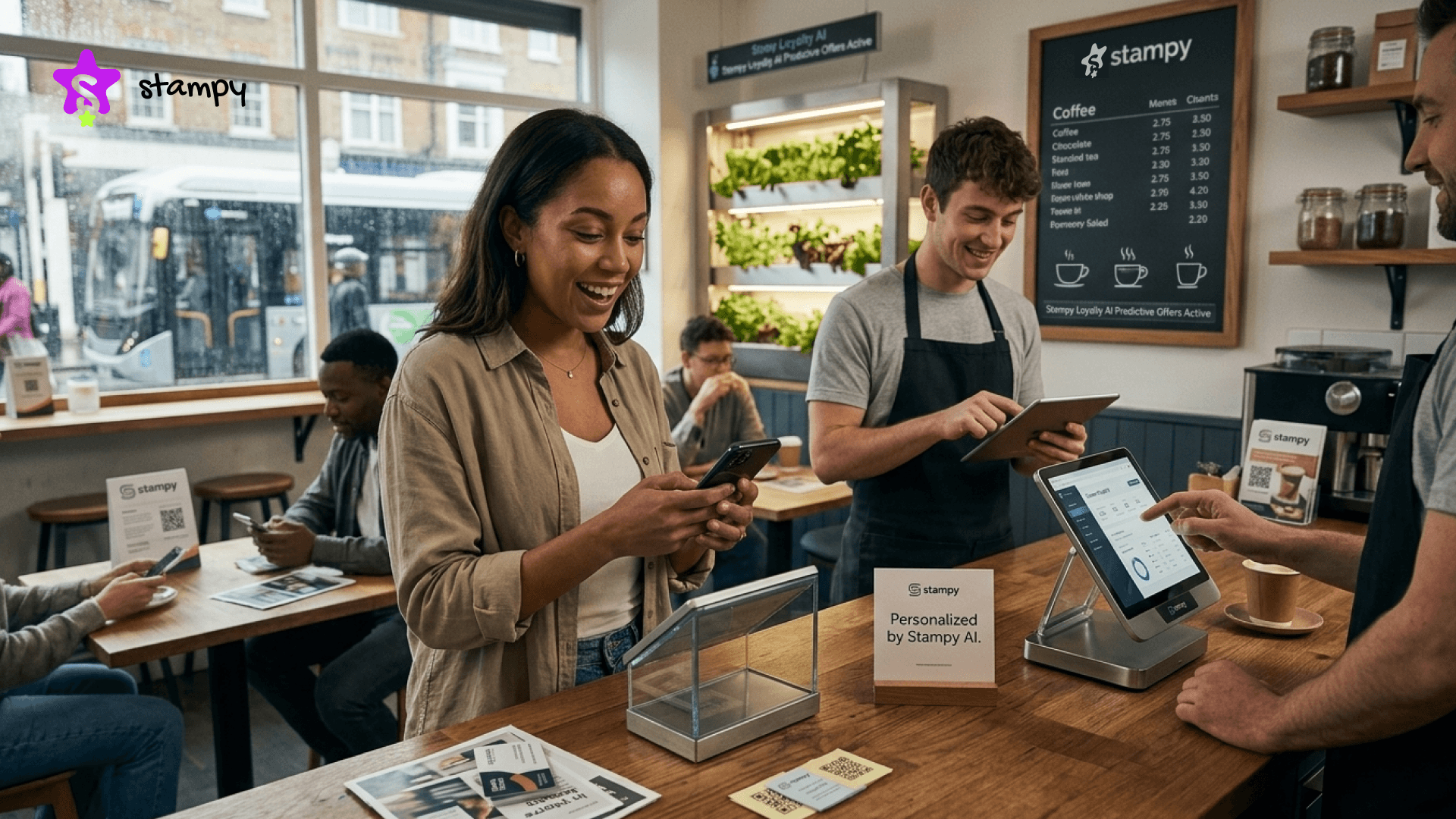
Business owners watch all of this from a central dashboard showing participation, campaign activity, and redemption data across every location. Better punch card tools push notifications to customers when they earn stamps or get close to unlocking a reward. That nudge keeps your business on their radar without you doing anything extra.
Progress updates hit both sides immediately; the customer sees their count go up, and the business sees the transaction logged. No lag, no guesswork.
Quick Fact: A recent Research found that loyalty program members generate between 12% and 18% more revenue for businesses than non-members over time.
What Features Should You Look For in Punch Card Software?
Knowing what to look for in punch card software saves you from paying for tools you do not need or missing the ones you do. Here are the core things worth checking before you commit to any platform
1: QR Code Scanning
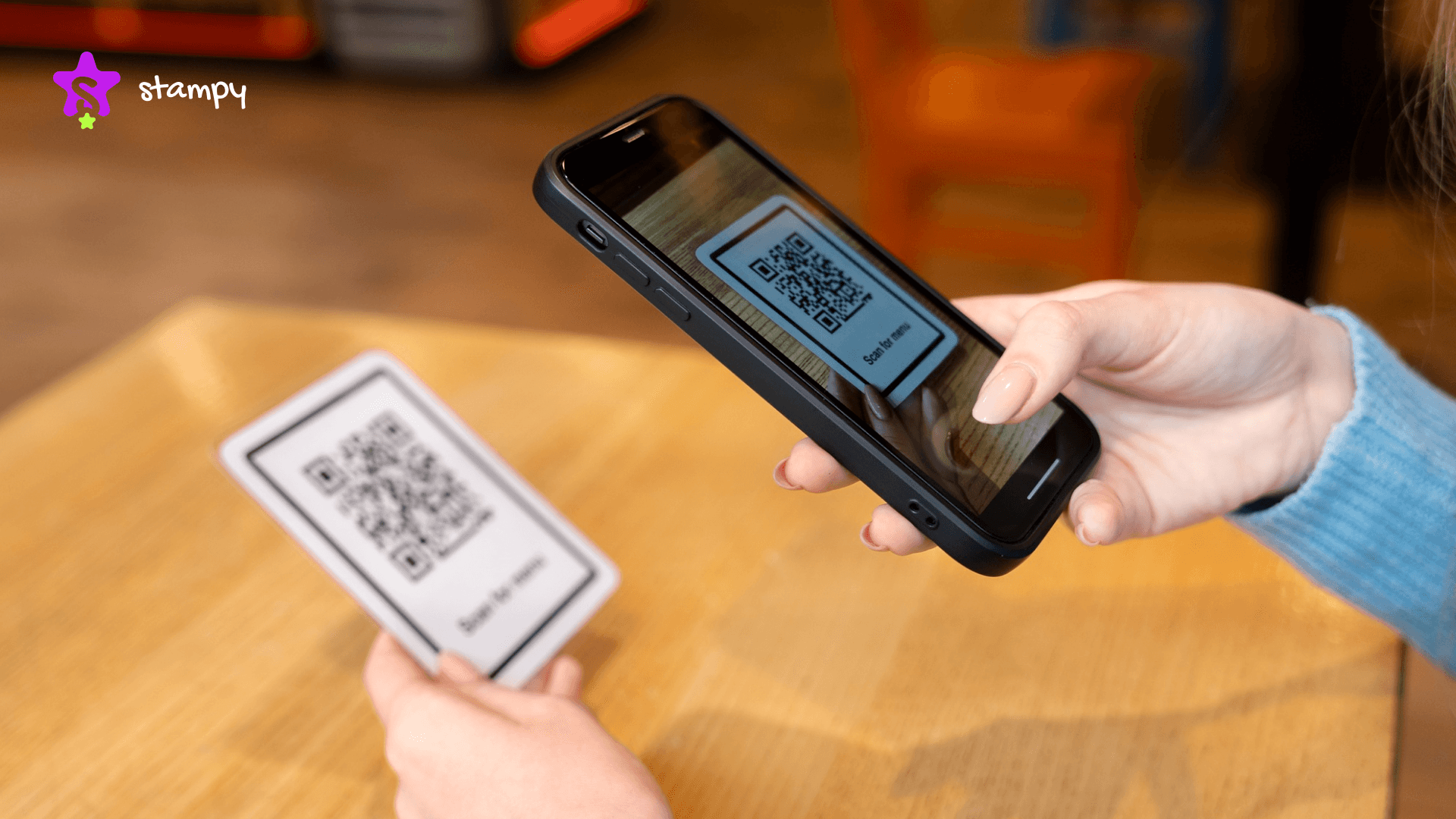
A good digital punch card app should use QR code scanning as the main way customers collect stamps at purchase. It is fast, contactless, and requires nothing complicated from either side of the counter. Most platforms also build in a manual ID entry option for moments when a scan does not go through useful during a busy rush when you cannot afford delays.
2: Campaign Management
If you are a business owner, then your punch card software should let you run more than one campaign at a time, each tied to specific products or promotional windows you control. You set the stamp value per product and define what reward gets unlocked at the end. Your offers will shift across seasons and new product launches, so your platform needs to keep pace.
3: Real-Time Tracking and Reporting
This is where digital beats paper. An electronic punch card gives you real numbers, who is participating, how far along they are, and where they tend to stop before finishing a campaign. Good reporting shows you which rewards pull customers back and which ones are quietly doing nothing. You cannot get that from a stack of paper cards in a drawer.
4: Multi-Branch Support
If you run more than one location, your punch card platform needs to handle all of them without making things messy. Branch managers should have their own view, i.e.. campaign data, customer activity, and location-specific reports without seeing things that do not concern them. Centralized control with branch-level access is the setup that works for growing businesses.
5: Location-Based Discovery
Some punch card platforms let customers find your business through a map when they are nearby. For a local cafe or salon, that is a real bonus is that your loyalty platform can bring in new customers on top of keeping the ones you already have. Not every tool includes this, but it is worth looking for if foot traffic matters.
6: Ease of Use
Whatever punch card tool you choose, your team needs to pick it up without a training session. A system that slows down checkout or confuses staff during peak hours will quietly kill adoption. Customers stop engaging when the experience feels like friction rather than a benefit.
Is There Free Punch Card Software For Businesses?
Yes, some punch card software providers are almost free for customers. For a business that just wants to test the idea before spending anything, some of the tools offer a free/trial, and that is a reasonable place to start.
Free plans almost always limit something meaningful; the number of campaigns you can run, how many users you can add, or whether you can access any analytics at all. Most businesses outgrow a free tier fairly quickly once they see how the system works.
If you need multi-branch support, detailed reporting, or proper role management, expect to pay for them. The more useful question is not whether free exists, but whether the paid tiers are priced in a way that actually makes sense for your size and market.
What Is the Best Punch Card Software for Small Businesses?
It is the one that fits how your business runs without adding complexity you do not need.
A single-location cafe owner might only need basic QR scanning and one active campaign to start seeing results. A retail brand managing several branches needs something with more structure, like central dashboards, role-based access, and per-branch reporting. The features that make sense for one business are overkill for another.
A few things make punch card software worth using for small businesses, regardless of type. Pricing should be clear and predictable with no surprise charges at the end of the month. Setup should be fast, because most small business owners do not have a technical team available. Customer support should respond when something breaks during a busy Saturday afternoon. The platform should also scale with you, so you are not switching systems every time you open a new branch.
How Much Does Punch Card Software Cost?
Pricing varies depending on what the platform includes, how many users you need, and how many branches you manage. Basic single-location tools start anywhere from free to around fifteen dollars a month. Platforms with multi-branch support, advanced analytics, and role management cost more. Enterprise-level systems for larger chains are usually custom-priced based on transaction volume.
Enterprise-level punch card systems built for larger chains are usually custom-priced based on transaction volume and scale. Before choosing anything based on price, check whether the quoted amount covers everything you need or whether the useful features sit behind an upgrade. Pay attention to how the pricing model works for per user, per branch, or per transaction because that structure affects your real monthly cost.
Why Going Digital Makes More Sense Than Sticking With Paper
Paper loyalty cards have a few real problems that do not go away just because the idea is simple. When a customer loses their card, their stamps are gone too, and starting over from zero is rarely something they want to do. Businesses running paper programs have no way to know who their loyal customers are or how a campaign is performing until it is already over.
Quick Fact: Retaining an existing customer costs five times less than acquiring a new one, and loyal customers tend to spend more per visit than first-timers.
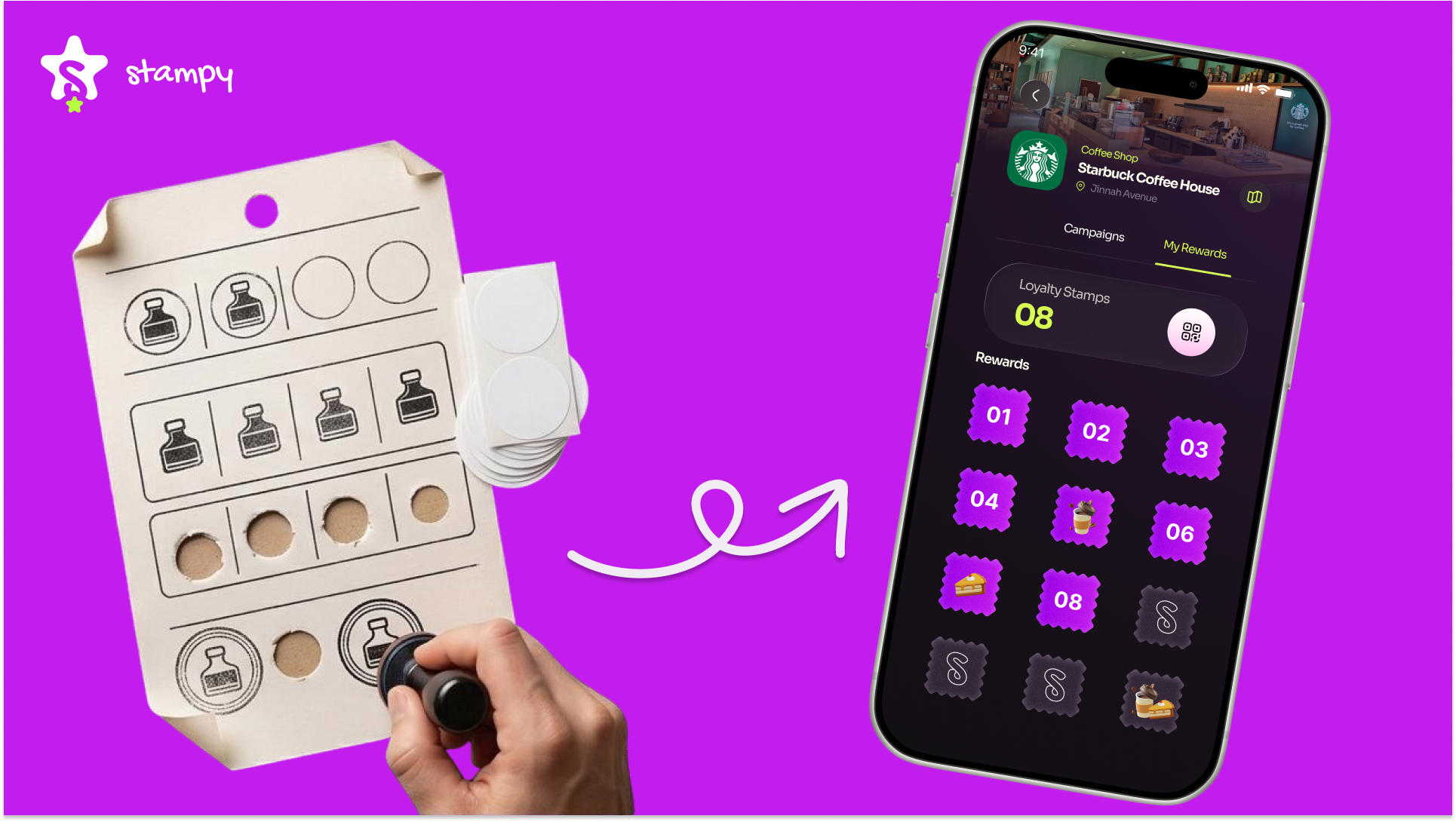
A digital punch card app stores everything in the cloud, accessible to the customer on their phone and to the business through a dashboard. You can see which campaigns bring people back, catch where engagement drops before it becomes a problem, and track redemptions without sorting through a box of paper cards.
Customers like it because their rewards are always with them. Businesses like it because the data is usable. Switching to a digital punch card system is one of the more practical improvements a small business can make. The setup lift is low, and the visibility it gives you actually means something.
You can learn more about the differences between digital and paper punch cards in our guide on Paper Punch Cards vs Digital Loyalty: What Actually Works in 2026.
The Role of QR Codes in Modern Punch Card Systems
QR codes work well in loyalty programs because they ask almost nothing from either side. The customer has a code on their phone, the staff scans it at checkout, and stamps are added. That is the whole interaction, fast enough that it does not slow down a line, simple enough that nobody needs it explained twice.
In a typical setup, each customer has a unique QR code tied to their account. When a salesperson scans it against an active campaign, the right number of stamps gets added automatically. If a scan does not go through, most platforms allow manual entry, so the transaction does not get dropped.
Every QR scan also creates a transaction record linked to the staff member who processed it. Accountability is something paper cards cannot offer. The setup also scales cleanly from one counter or ten branches; the process stays the same.
Conclusion
Choosing the right punch card software changes how customers feel about returning to your business, and that effect builds over time. The platforms that work best bring QR scanning, campaign management, real-time reporting, and proper access controls together in one place that does not require a technical team to run.
Whatever the size of your operation, there is a punch card software option that fits. Compare what each platform actually includes, test the ones with trials, and check the pricing model carefully before committing. Want a deeper breakdown before you decide? Read our Digital punch card explained guide to know more about them in detail.
A punch card system that fits your business gives you more than a loyalty tool. It gives you a clearer picture of who your customers are and what actually keeps them coming back.
Frequently Asked Questions
What is punch card software?
A digital loyalty tool that replaces paper stamp cards. Customers earn stamps for qualifying purchases through a QR code scan and redeem them for rewards once they hit a set target.
How does it work?
You set up campaigns that define which products earn stamps and what reward sits at the end. Customers scan a QR code at checkout, stamps are added instantly, and they redeem through the app when ready.
What features should I look for?
QR code scanning, campaign management, real-time reporting, and multi-branch support if you run more than one location. Ease of use matters more than most feature lists suggest, because a system your staff finds confusing will not get used.
Is there free punch card software?
Some providers offer free plans or trials. They usually limit campaigns, users, or analytics access. They are best for testing, but not sufficient for most growing businesses.
Can it work across multiple locations?
Yes, most platforms support multi-branch setups with a central dashboard for owners and branch managers.