18 min read




Key Takeaways
- Lead with a specific reward and say which purchases or visits count toward it.
- Put joining instructions on your profile and test the link from a customer’s phone.
- Film a short checkout demo so customers know how to earn their first stamp.
- Use Stories for timely offers and keep the basic rules in a pinned post or Highlight.
- Start with unpaid posts. Consider ads once a post shows it can bring people to your signup page.
Customers can buy from you regularly and still miss the news about your loyalty program. Use social media to show them what they can earn, which purchases count, and how to join. You can start with the followers you already have and the platform where they hear from you most often. For example, if five eligible orders earn a free add-on, show the add-on and tell followers how to sign up before their next purchase.
This guide shows what to post on Instagram, Facebook, TikTok, and WhatsApp, from your first announcement to reminders that give members a reason to return. It includes sample captions and a seven-day plan you can adapt to your usual posting schedule.
Why Promote Your Loyalty Program on Social Media?
Start your loyalty program social media marketing with the customers who already follow you. They know what you sell, so you can spend the post showing what they can earn and how to get started.
- Build awareness. An announcement gives regular customers a chance to find out about the program between purchases.
- Give people a way to sign up. An interested follower can open the rewards page and see how to join while the offer is fresh in their mind.
- Make rewards visible. A photo shows what an upgrade includes. A video shows what happens when someone claims it.
- Give followers a reason to respond. Ask which of two rewards they’d choose, then use the replies to help plan your next offer.
- Prompt another visit. A reminder about a bonus stamp can give a member who already planned to return a reason to come in this week.
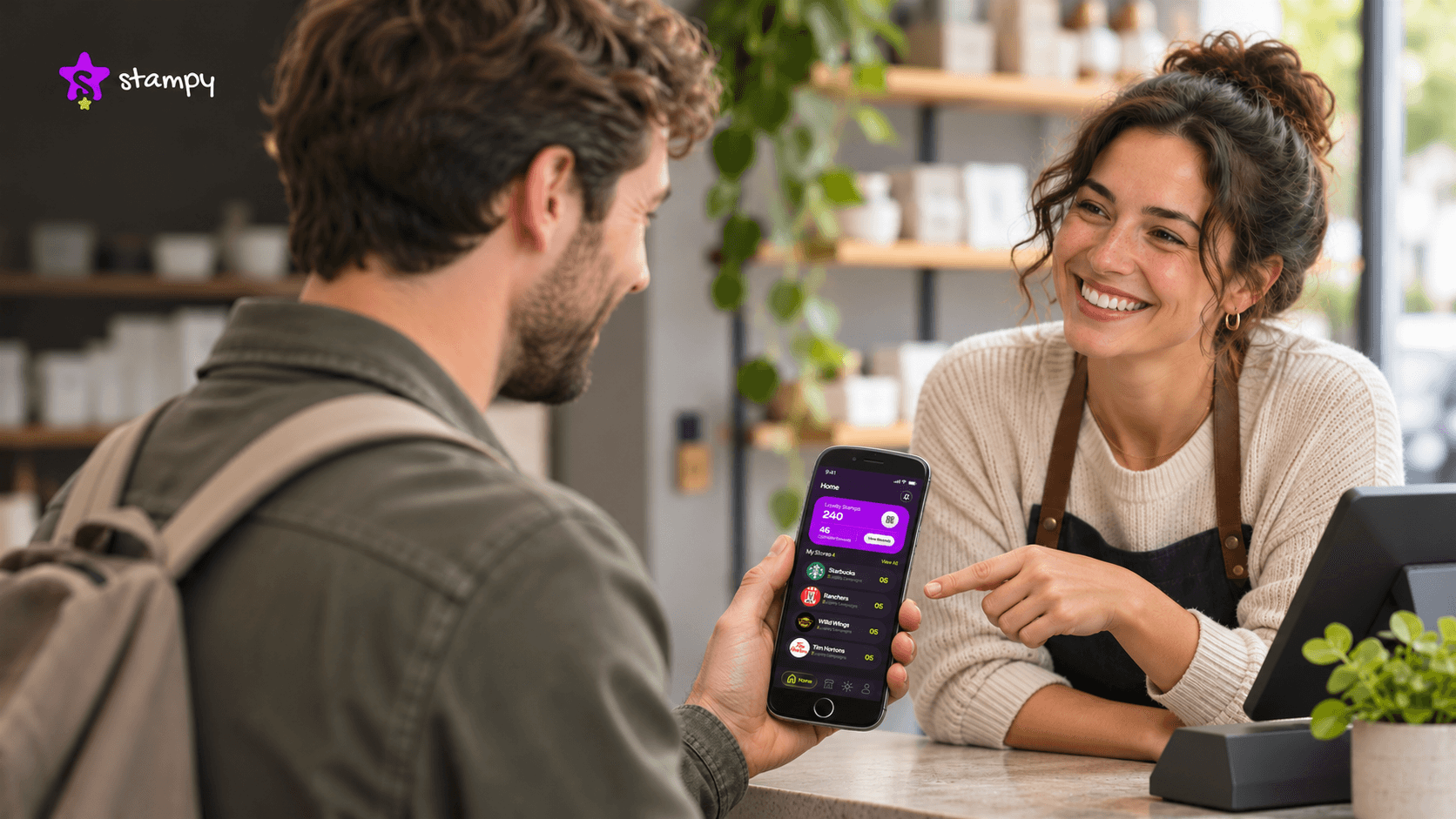
Imagine a follower sees your digital card in a Story and asks for their first stamp when they return to reorder. Give them a clear next step in the post, then have your team ready to help at checkout. A short staff prompt is another way to turn interest into loyalty program signups.
What to Prepare Before Promoting Your Loyalty Program
When you’re deciding how to promote a rewards program, get the offer ready first. Settle on a reward, write out the earning rules, and test the signup steps on a phone. Then choose where to post based on where customers already interact with you.
Choose Rewards Your Customers Actually Want
Start with something customers already ask for or pay extra to get. A free add-on can reward repeat orders. An upgrade can give a regular a reason to return during a quiet period. Ask a few customers which they’d use, then check what it would cost to provide each option. Include staff time and stock, especially if several members could claim the reward on the same day.

Explain How Customers Can Earn Rewards
Write a rule your team can say at checkout. For example, “Get one stamp on each paid order of $20 or more. Collect five stamps, then show your reward at checkout to claim a free add-on.” Put any condition that could change someone’s purchase decision in the post or on the reward screen. Use your full reward redemption rules to explain expiry, participating locations, refunds, and whether offers can be combined.
Make Your Loyalty Program Easy to Join
Send followers to a page that explains how to join. If they need to download an app and create an account, say so before they tap. If they join in person, tell them who to ask and whether their first purchase counts. Before you launch your loyalty program, open the link from your social profile on a phone and go through the steps yourself.
Choose Social Platforms Your Customers Use
Look at where customers already ask questions, tag you, or reply to updates. If they ask about offers on Facebook, start there. If they watch your Instagram demos or find you through TikTok, try a short video. Pick one channel you can post on and check regularly so signup questions get answered.
12 Ways to Promote Your Loyalty Program on Social Media
Choose from these loyalty program promotion ideas based on what you want customers to do next. A launch post helps followers discover the program, while a reward reminder gives existing members a reason to come back.
1. Announce Your Loyalty Program With a Launch Post
Show the reward in your first image or video frame. Then explain what earns a stamp, how many stamps the reward takes, and where someone can join or read the full rules. A single graphic can work on Instagram or Facebook. On TikTok or Instagram Reels, have a team member hold up the reward and explain it in a few words.
For example, show the free add-on and write, “Earn a stamp on every order of $20 or more. Get this add-on after five stamps. Tap the rewards link on our profile to join.”
2. Create Short Videos Showing How Rewards Work
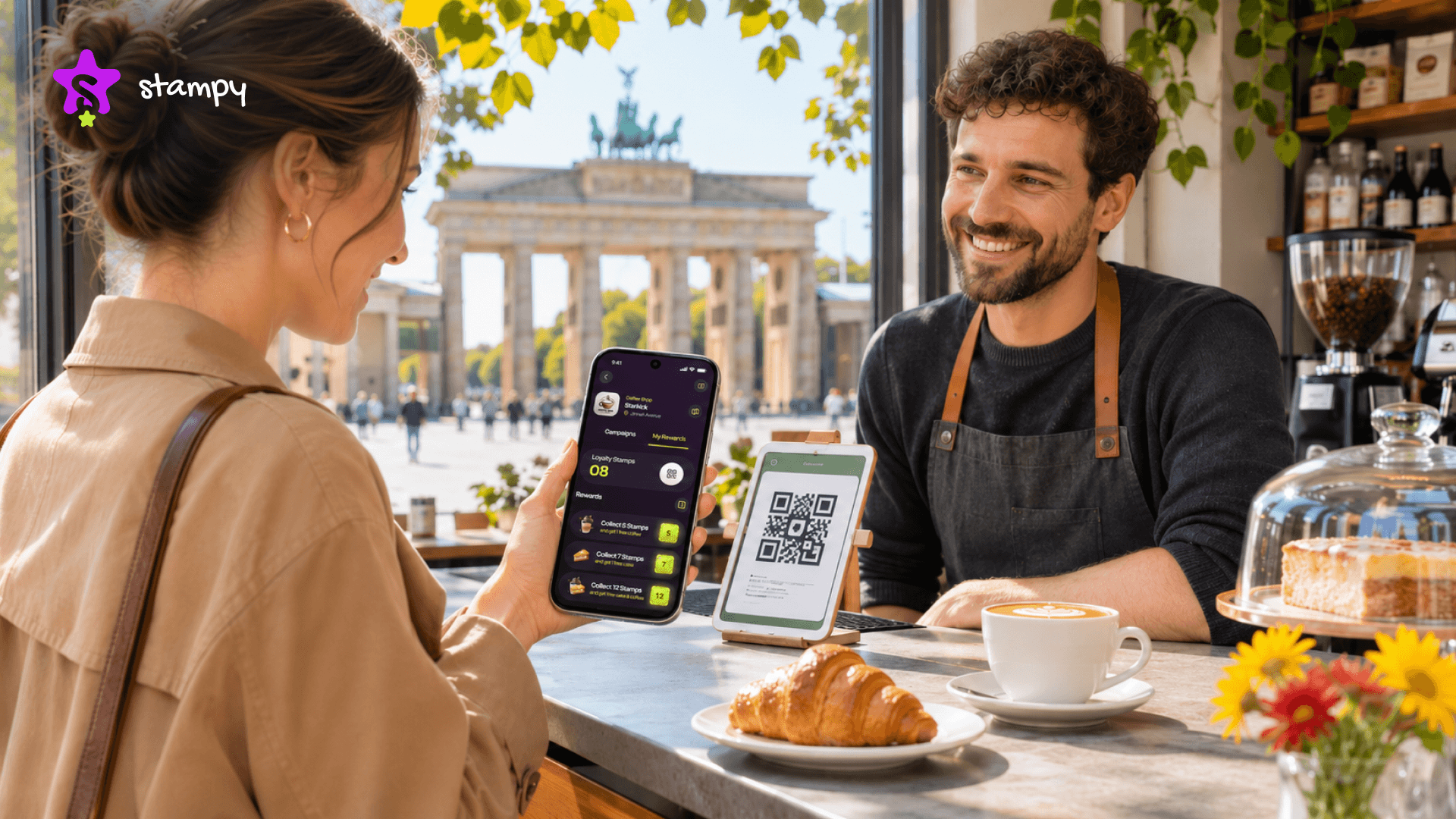
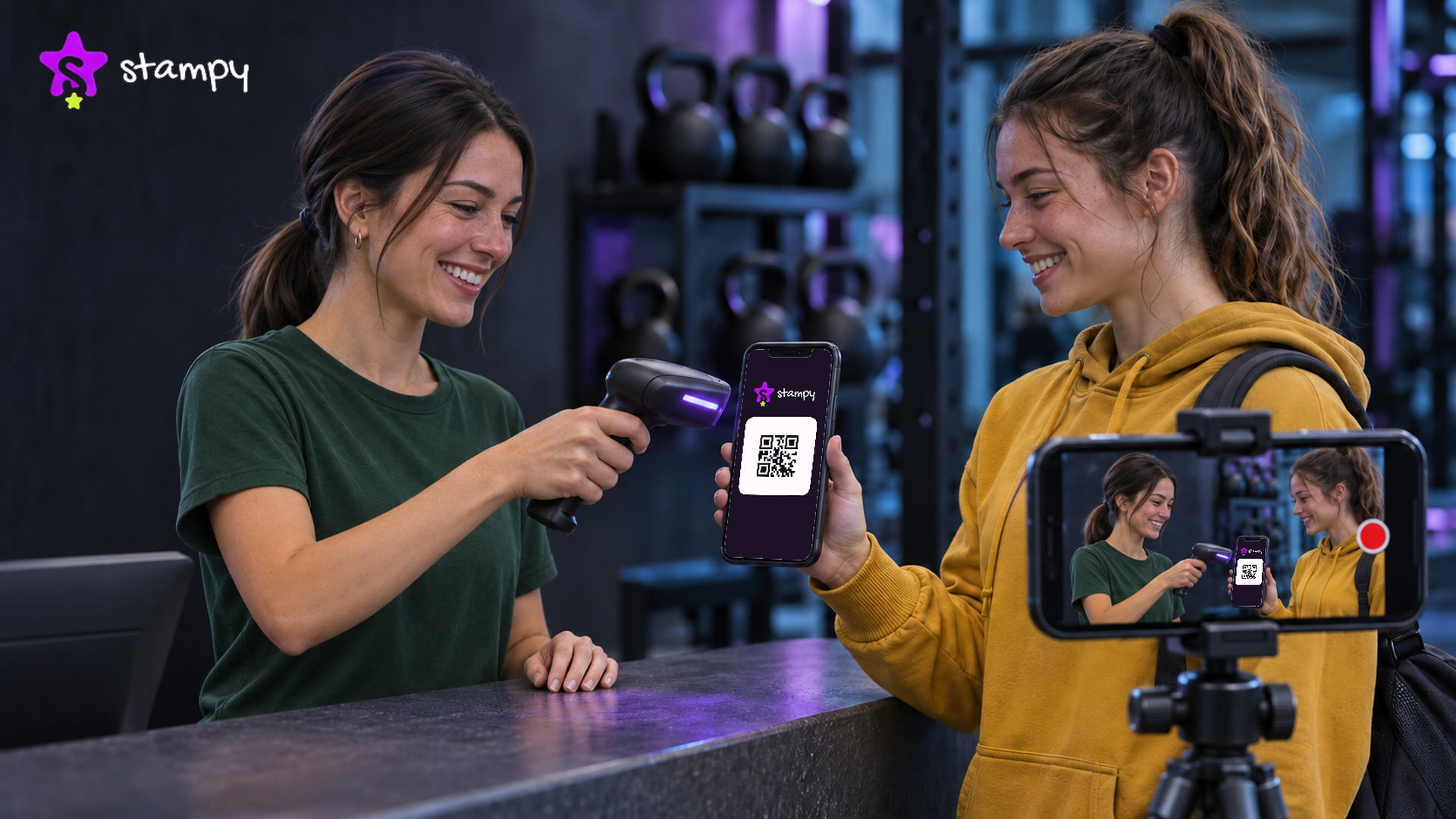
Film a 15–30-second demo at checkout using a staff member as the customer. If you use a QR-based digital loyalty card, show the customer making an eligible purchase and opening their card. Film the staff scan, then cut to the updated stamp count. Use a demo account or blur the code and any personal details.
Add on-screen text for the step viewers need to remember. If the clip shows a card going from two stamps to three, end with “Open your card before you check out so we can add your stamp.”
3. Show Customers Redeeming Their Rewards
With the customer’s permission, film what happens when they claim a reward. A short clip can show the unlocked reward on their phone followed by the handover. A pair of photos can work too. Show the completed card in one photo and the reward the customer took home in the other.
For example, if a member claims an upgrade, show exactly what the upgrade includes. End with “Have an unlocked reward? Show it at checkout on your next visit.” Mention any restriction that affects when or where they can use it.
4. Share Loyalty Rewards Through Instagram Stories
Use Stories for quick updates that don’t need a permanent feed post. Share a deadline, show what’s available this week, or ask customers to vote on two rewards you can afford to offer. Give each frame one job so people can read it before tapping ahead.
For a three-frame Story, show the reward first, post a short stamp-card demo next, and finish with a “See rewards” link sticker. Save the joining instructions and demo in a Rewards Highlight so new visitors can find them. Take out dated slides once the offer ends.
5. Pin Your Loyalty Program to Your Profile
Give new visitors a place to start. Pin your announcement on Instagram, feature it on your Facebook Page, or pin the demo on TikTok if your account has that option. On Instagram, point people to your Rewards Highlight for a closer look at how it works.
Use a post you can keep up to date. For example, the cover could say “Free upgrade after four eligible purchases.” The caption explains which purchases count and asks readers to open the rewards page to join. Check the pinned post whenever you change the reward or signup link.
6. Promote Exclusive Rewards for Members
Choose a perk that gives members a reason to act at a particular time. Try a bonus stamp on a quiet weekday, a limited upgrade, or early access to an offer. Set up the reward and brief your team before announcing it. If customers use a digital card, confirm how staff will apply the offer at checkout.
An example post could say, “Members get one extra stamp on their first eligible purchase this Wednesday from 2 to 5 p.m. Show your card at checkout.” If new members can take part, tell them they can join before buying.
7. Share Customer Reviews and Success Stories
Ask a real member a question that addresses something followers might wonder, such as “How did you claim your reward?” With permission, share their answer in a short clip or a caption. A team member can also explain which reward people often choose if they can confirm it from actual redemptions.
Suppose members often ask whether they can save an unlocked reward for later. Share how a customer used theirs on a return visit, then invite followers to read your redemption rules. If you use a quote, keep the customer’s wording and confirm they’re happy for you to publish it.
8. Encourage Customers to Share Their Experiences
Make it easy for members who already want to share. Put your social handle on the receipt or thank-you card and ask customers to tag you if they post a photo of their reward. A photo of the item or upgrade is enough. Keep account details and scannable codes out of the picture.
For example, a note could say, “Picked your free add-on? Tag us if you share a photo.” Treat the tag as an invitation to see the post. Ask permission before reposting it, and credit the customer as agreed.
9. Promote Your Program With Local Creators
Choose a creator whose audience includes people who can buy from you. Look for local questions and comments on their recent posts. Give them one task, such as walking through an eligible purchase and showing where their first stamp appears. Ask them to end with one action, such as visiting your profile for signup instructions.
If you pay the creator or give them a free item or service for the post, ask them to disclose the arrangement clearly in the content. For U.S. promotions, see the FTC’s guidance on disclosing paid or gifted endorsements.
10. Use Seasonal Offers to Attract More Members
For a holiday loyalty campaign, give customers a reason to come back after the rush. For example, invite holiday buyers to join now and earn an extra stamp on their first eligible order in January. Decide whether existing members qualify too, then put the eligible dates in each post.
Share the offer before the holiday rush, post a reminder when the earning window opens, and give members a final reminder a few days before it closes. Tell them what to do in each post, whether that’s joining before they leave or showing their card when they return.
11. Encourage Existing Members to Bring Friends
With a referral reward, you can give both the existing member and the new customer a perk. Spell out who qualifies and when each person gets it. For example, a member can share a referral code with a friend who has never bought from you. After the friend completes a first order of $20 or more, both receive a free add-on for a future order.
Ask members to share their code privately and tell friends where to enter it or whom to show it to. If your loyalty system doesn’t track referrals, use a separate process that records the code, confirms the purchase, and marks each reward as issued.
12. Test Small-Budget Social Media Ads
If you’re figuring out how to advertise a loyalty program, start with a small paid test. Use a post that already brought people to your rewards page or prompted signup questions. Show the reward, target the area you actually serve, and link to a page where people can join or see the exact steps. Set a spending limit you’re comfortable with before the ad goes live.
For example, promote a short clip that shows the free upgrade customers can earn after four eligible purchases. Use “See how to earn your upgrade” as the next step. Check how many people joined through the ad, where you can track it, before spending more.
How to Promote Loyalty Rewards on Each Social Platform
You can share the same offer across platforms and change how you present it. Show the reward in a short video, explain the terms in a Facebook post, or use WhatsApp Status for a quick reminder.
Instagram Reels, Stories, and Carousels
Build your loyalty program Instagram marketing around what customers need to see. Use a Reel to show a moment that’s easier to understand on video, such as a customer’s card going from one stamp to two. Use a carousel, or swipe-through post, for instructions people may want to read at their own pace. Put the reward on slide one, eligible purchases on slide two, and how to join and claim the reward on the last slide. Use Stories for updates and keep the basic instructions in your Rewards Highlight.
Facebook Posts, Reels, and Local Communities
Start your loyalty program Facebook promotion with a post that includes the dates, reward, and joining link. Share a customer’s redemption story or use a Reel to answer a common checkout question. In a local Facebook group, check the rules before sharing a promotion. If the group allows business posts on specific days, use those days and include details that matter locally, such as which location takes part.
TikTok Short Videos and Customer Experiences
Open on the action. Show a completed card or reveal what a customer can claim, then have a staff member explain how they earned it. A behind-the-scenes clip can answer a practical question like what to show staff at checkout. Add captions so the steps make sense with the sound off.
WhatsApp Status Updates for Existing Contacts
Share a new reward or deadline with customers who already use WhatsApp to contact your business. Before posting, choose who can see your Status update. For direct promotional messages, contact customers who’ve agreed to receive them and respect requests to stop.
Social Media Loyalty Program Examples for Small Businesses
These sample captions are hypothetical. Choose the one closest to what you want customers to do.
Customer action | Promotion idea | Example caption |
Make a second purchase | Return-visit perk | “Made your first purchase this week? Join our rewards program and get a free add-on when you place your second order within 14 days.” |
Buy regularly | Digital stamp card | “Earn one stamp on orders of $20 or more. Collect five and pick a free add-on. See the rewards link on our profile.” |
Visit during a quiet period | Bonus stamp | “Members get an extra stamp on one eligible purchase Tuesday from 2 to 5 p.m. Show your card at checkout.” |
Claim an earned reward | Redemption reminder | “Already unlocked your upgrade? Open your rewards card and show it to our team on your next visit.” |
Join before the next order | Signup demo | “Want your next order to count? Follow the steps in this video to join before you buy.” |
Replace the sample dates, amounts, and rewards with terms your team can honor. For a second-purchase offer, choose a time window that fits when customers normally reorder.
How to Write Social Media Posts That Get More Signups
If you’re wondering how to increase loyalty program signups, read your draft as if you’ve never heard of the program. Can you tell what you’ll earn, what you need to buy, and where to join? Put those details where readers can see them at a glance.
Lead With the Reward
“Free upgrade after four eligible purchases” gives customers a reason to read the caption. “Our loyalty program is live” announces the news and leaves the benefit unclear. Put the specific reward in the first line and on the opening frame if you’re using video.
Keep the Message Short and Clear
The caption should tell readers what they get, which purchase counts, and what to do next. If the offer ends Friday or applies at one location, say so in the post. Put details like how refunds affect stamps on a linked rules page so people can find them when they need them.
Add a Clear Call to Action
Match the words to what happens next. Use “Join our rewards program” when the link opens signup, “See how rewards work” when it opens an explainer, and “Show your card at checkout” when the post is for existing members. Give each post one main action.
Include Relevant Images or Videos
Show the real reward, a clear view of the digital card, or a staff member demonstrating the scan. Keep dates and eligibility readable on a phone. If your video shows someone collecting a stamp, use an on-screen caption to explain which purchase earned it.
A 7-Day Social Media Plan to Promote Your Loyalty Program
If your calendar says “promote loyalty program on social media,” give each post a specific job. Use these social media loyalty campaign ideas for launch week, or spread them over two weeks if you post less often.
Day | What to publish | Format | Purpose |
Monday | Announce the reward and how to join | Instagram or Facebook post | Introduce the program |
Tuesday | Show how a purchase earns a stamp | Reel or TikTok | Explain checkout |
Wednesday | Show what the reward includes | Carousel | Make the benefit clear |
Thursday | Ask followers to choose between two future perks | Instagram Story poll | Learn what customers want |
Friday | Share a redemption with the member’s permission | Short video | Show the reward being used |
Saturday | Announce a member offer with dates and eligibility | Story or feed post | Give members a reason to return |
Sunday | Remind followers where to sign up | Post or Story | Help interested customers join |
If the demo draws questions about joining, turn the most common question into your next video. You can reuse the original checkout footage and film a new opening that answers it.
How Stampy Supports Your Social Media Loyalty Campaigns
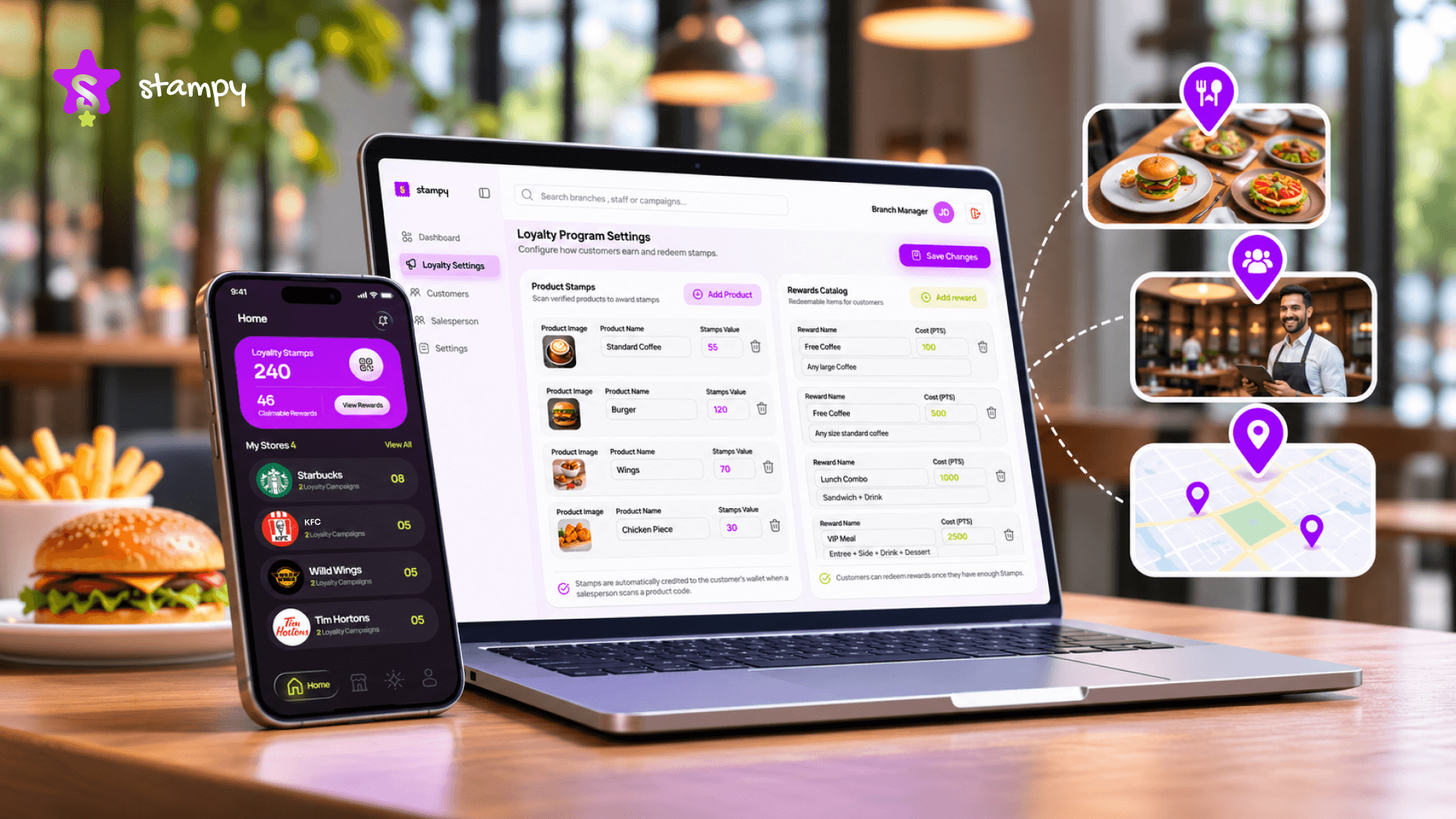
Use the business dashboard to set up the digital loyalty cards, stamp campaigns, and rewards you plan to promote. Once the offer is ready, take a screenshot or record a checkout demo so your posts show customers what they’ll actually see.
Create Digital Loyalty Cards and Rewards
Choose which products count, how many stamps a customer needs, and what completing the card earns. For example, you could set up a free add-on after five eligible purchases. Use a photo of that add-on in your launch post and name the purchases that count in the caption.
Run Loyalty Campaigns and Promotions
Set up a campaign around a reason to return. If Wednesdays are quiet, you could create a separate stamp offer around an eligible product and explain the offer in a Story. Check your plan’s active campaign limit before scheduling a new promotion alongside an existing one.
Make Reward Collection Simple for Customers
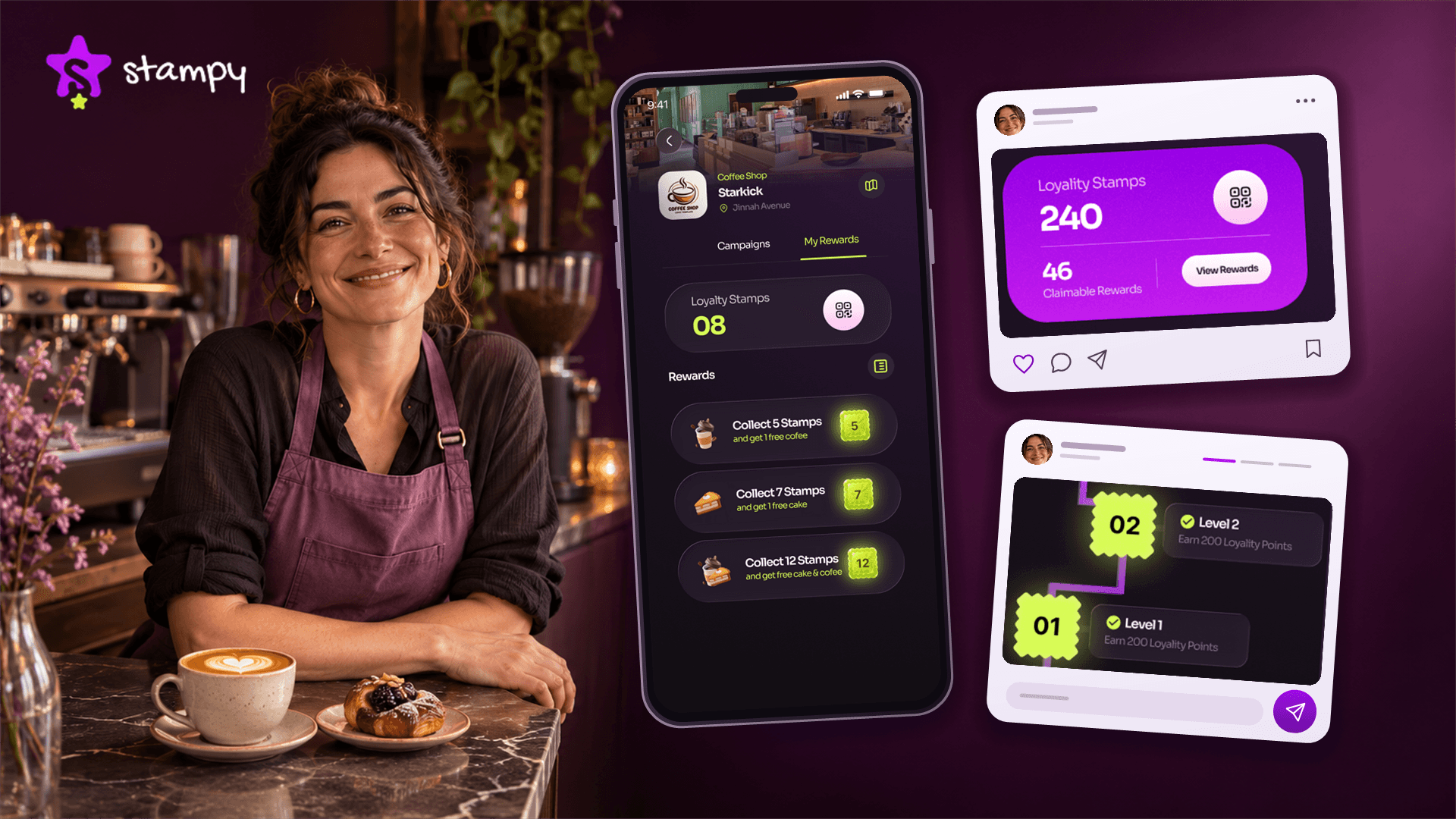
After joining in the app, a customer shows their QR code after an eligible purchase. Staff scan it to add a stamp, and the customer can check their updated progress. Once the reward unlocks, they show its QR code to staff to claim it. Use the checkout and redemption steps to plan a short demo that shows customers when to open each code.
Stay Connected After Customers Join
Use the notification options in your plan to tell participating customers about a new campaign, reward, or offer. For example, you can introduce an offer in a public post and use an available notification to bring it to members’ attention. Notification options vary by plan.
Understand Customer Visits and Rewards
Use your loyalty dashboard to see visits, stamps, and reward redemptions. If members earn rewards but rarely claim them, ask your team what happens at checkout. Their answers can help you decide whether to post a clearer redemption demo or review the reward rules.
Conclusion
A social post can introduce a reward before the customer’s next order. What happens at checkout gives them a reason to keep using the program. Start with the channel where customers already hear from you and show a reward they can picture claiming.
Frequently Asked Questions
What Is the Best Way to Promote a Loyalty Program on Social Media?
Publish and pin a post that shows one reward, explains how to earn it, and tells people where to join. A short demo is useful if customers need to see how the card works at checkout.
How Do You Announce a New Loyalty Program on Instagram?
Post a Reel or carousel that opens with the reward and explains what counts toward it. Point viewers to the signup link on your profile, then share the announcement in Stories with a link sticker.
What Should I Post About My Loyalty Program?
Post a mix of reward photos, earning and redemption demos, member stories shared with permission, and reminders about offers with a deadline. Use questions from comments and checkout to pick your next topic.
Can Social Media Help Increase Loyalty Program Signups?
Yes. It can put the offer in front of customers who missed it and take interested followers to the signup page. Test that page on a phone before sending people there.
How Often Should I Promote My Loyalty Program?
Start with one or two updates a week around launch, then post when you have a new reward, a useful answer, or a deadline to share. Keep the joining instructions easy to find between updates.
Do I Need Paid Ads to Promote a Loyalty Program?
No. Start with unpaid posts where customers already follow you. Consider a small ad test when a post brings in signup questions or link visits and you want to reach more people in your area.