20 min read



Key Takeaways
- Choose a loyalty reward based on what your customers already enjoy ordering.
- Work out the actual cost of free meals, starters and desserts.
- Create digital stamp cards without developing a separate restaurant app.
- Teach staff how to collect stamps and handle customer rewards.
- Honour existing paper stamps when introducing your new digital programme.
- Review customer visits and reward costs before introducing additional campaigns.
Getting customers to return is something many restaurant owners struggle with. A discount might bring someone back once, but offering discounts all the time can become expensive. Paper stamp cards are another option, although customers often forget to bring them.
A digital loyalty card for restaurants lets diners collect stamps on their phones and earn rewards for their purchases. As a restaurant owner, you decide what they need to buy and what they receive in return.
Setting up a digital loyalty card for your UK restaurant is fairly straightforward. The main things to consider are your choice of rewards, how much they cost your business and how easily your staff and customers can use the system.
What Is a Digital Loyalty Card and How Does It Work for Restaurants?
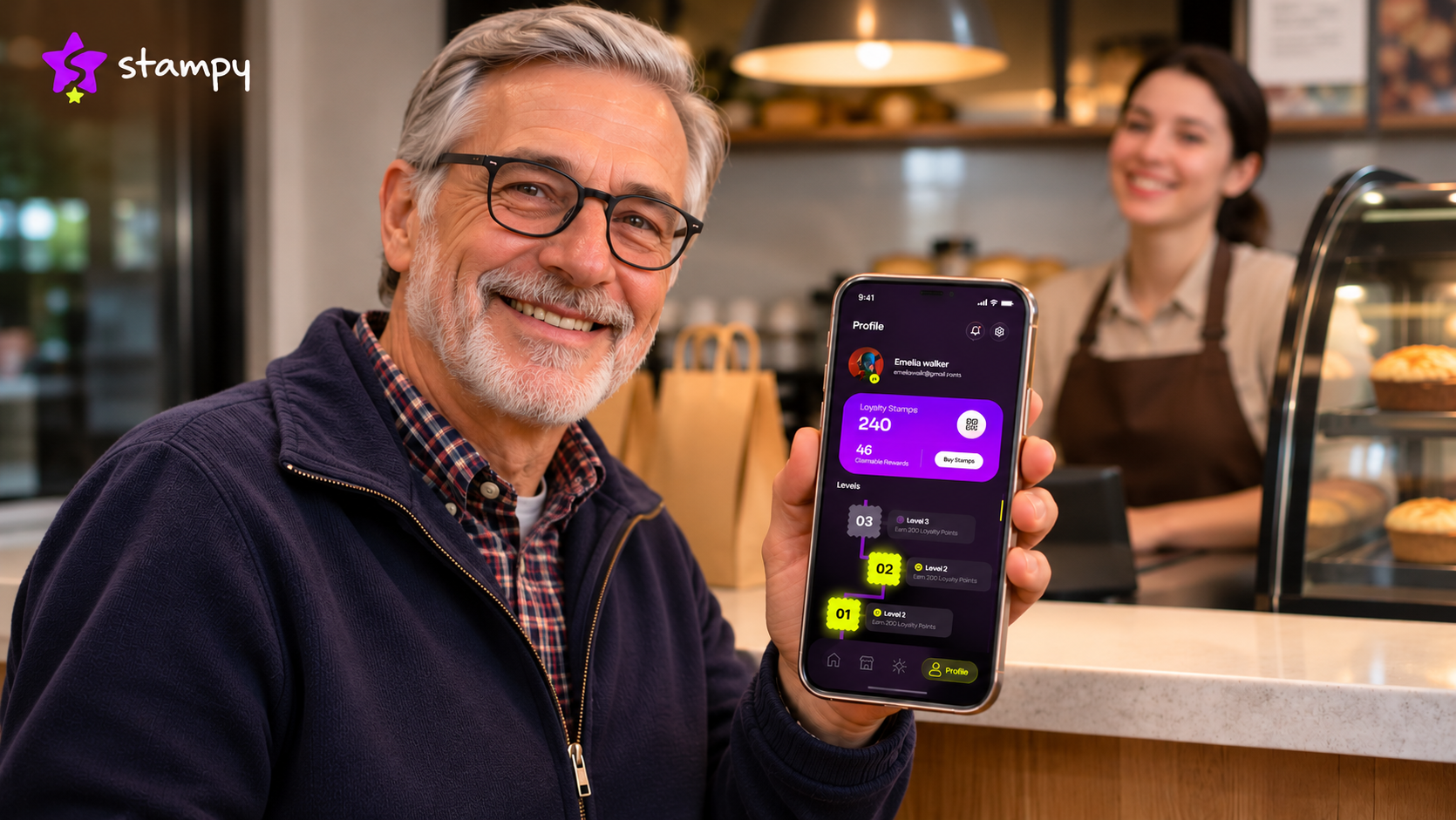
A digital loyalty card is the mobile version of a traditional paper stamp card. Instead of carrying a physical card, customers keep their stamps in a digital account on their phones.
With a digital stamp card for restaurants, diners can check their progress even when they are away from the restaurant. Business owners can also use electronic loyalty cards to see how many customers are collecting stamps and claiming rewards.
How do digital stamp cards work for restaurants?
The process is quite simple:
- The customer downloads the loyalty app and joins the restaurant's programme.
- After purchasing an eligible meal, they show their personal QR code.
- A staff member checks the purchase and scans the code to award a stamp.
- Once the card is complete, the customer can claim their reward.
Suppose your restaurant offers a free starter after five qualifying meals. A customer who has already bought four meals only needs one more purchase to earn it. They can check this on their phone without asking a member of staff.
There are several other benefits of digital loyalty cards compared with paper cards, especially for restaurants that want to keep better records of returning customers.
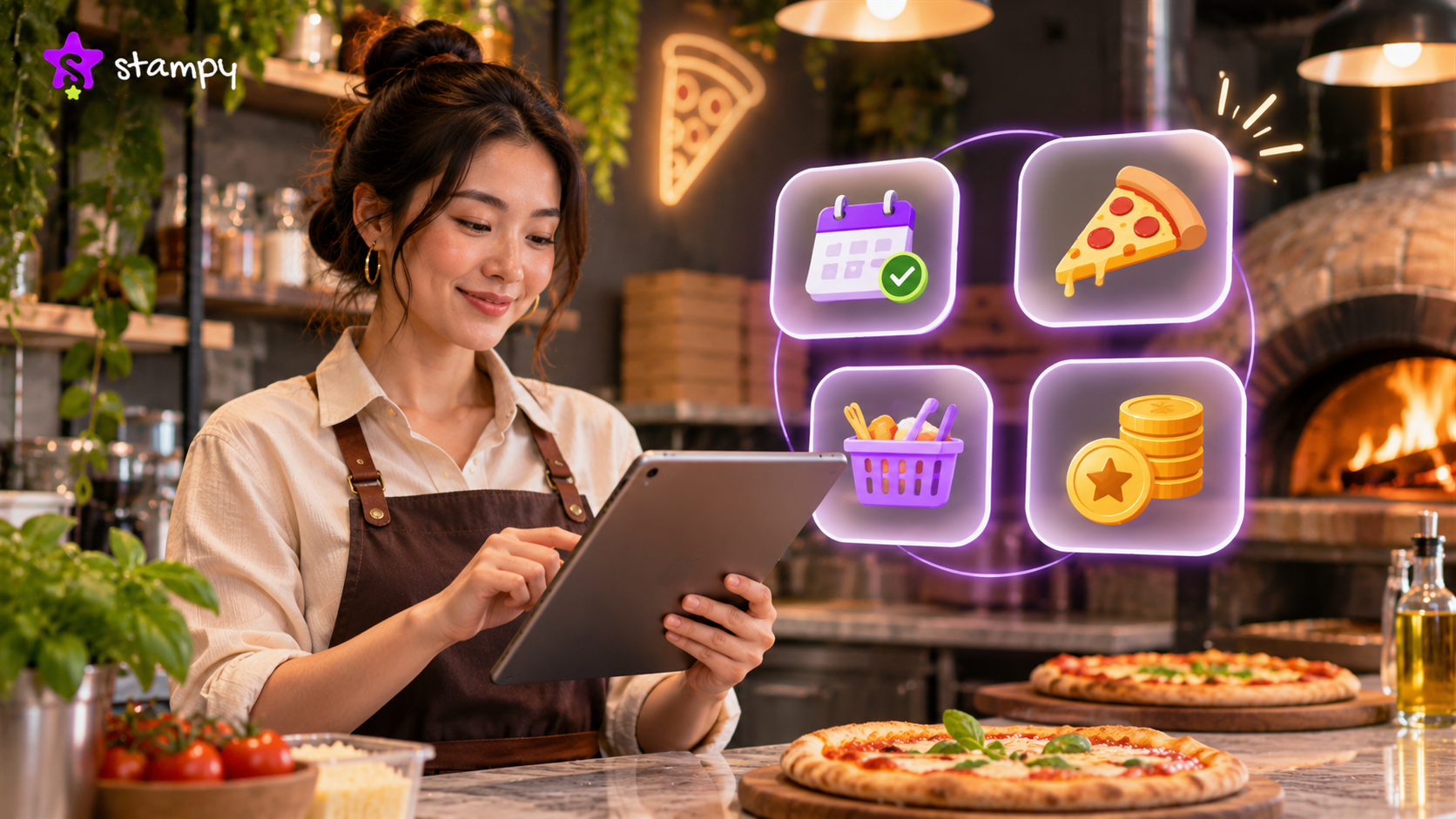
Choose the Right Type of Digital Loyalty Card for Your Restaurant
Look at how your customers normally spend their money before choosing a loyalty card. A restaurant selling individual lunch meals may need a different reward system from one serving large family dinners.
Visit-Based Loyalty Cards
A visit-based card gives customers a stamp each time they make a qualifying visit. After a set number of visits, they receive a reward.
This is a suitable option for casual dining restaurants. You could offer a free starter after five visits, with a minimum order value to ensure each visit qualifies.
Product-Based Loyalty Cards
Reward customers for purchasing particular items from your menu. These might be the pizzas, burgers or lunch meals that people regularly come back for.
A pizzeria could offer a selected free pizza after six qualifying pizza purchases. The offer is easy to remember, and staff know exactly which products earn stamps.
Spend-Based Loyalty Cards
Some customers order a main course, while others order several dishes and drinks. If your bills vary considerably, a minimum spending requirement may make more sense.
A family restaurant could award one stamp for qualifying orders of £20 or more. This helps the owner manage reward costs without restricting the offer to one particular dish.
Points-Based Loyalty Cards
Rather than collecting stamps, customers earn points based on their spending. They can exchange those points for rewards once they have enough.
A restaurant might award one point for every pound spent. Before choosing this approach, check whether your loyalty software supports points or only offers stamp-based campaigns.
Loyalty Card Type | Example | Best For |
Visit-based | Five qualifying visits, free starter | Casual dining restaurants |
Product-based | Buy six pizzas, get one free | Pizzerias |
Spend-based | Spend £20, earn one stamp | Family restaurants |
Points-based | Earn points for every pound spent | Restaurants with varied order values |
Understanding the difference between stamps and points-based loyalty programmes is worth doing before committing to a particular system.
How to Make a Digital Loyalty Card for Restaurants in the UK
Start by choosing a reward and finding software that allows your staff to award digital stamps. The following eight steps cover everything you need to prepare before introducing your card to customers.
Step 1: Decide What You Want Your Loyalty Card to Achieve
There is usually a particular reason behind introducing a restaurant loyalty programme. Perhaps your lunchtime trade has slowed down, or plenty of new diners visit but rarely come back.
Decide which of these areas needs your attention:
- Repeat Visits: Give first-time diners a reason to return for another meal.
- Lunchtime Sales: Encourage more customers to order meals during your quieter lunch hours.
- Customer Spending: Reward purchases that meet a suitable minimum order value.
- Customer Retention: Give occasional diners an affordable reason to visit more regularly.
Suppose your restaurant already has plenty of evening bookings but struggles to fill tables at lunch. Build your restaurant rewards programme around lunchtime purchases instead of rewarding every order throughout the day.
Step 2: Choose a Digital Loyalty Card App
Think about how the loyalty card will fit into your daily service. Your employees have orders to take, food to serve and bills to handle. Awarding a stamp shouldn't become another time-consuming job.
A digital loyalty card app should offer the following features:
- Custom Rewards: Set up loyalty offers around the meals your restaurant already serves.
- QR Scanning: Award stamps by scanning customer QR codes after checking eligible purchases.
- Staff Access: Allow authorised employees to manage stamp collection and customer reward claims.
- Customer Reports: See how many diners collect stamps, return and claim their rewards.
- Branch Management: Manage participating restaurant locations without maintaining separate systems for each branch.
- Clear Pricing: Understand what the subscription includes before committing to a paid plan.
When comparing loyalty card software for restaurants, ask whether you need any additional equipment. Your existing phones or tablets may be enough, depending on the platform.
Can I create a loyalty card without a POS system? Yes. Standalone loyalty platforms let staff check purchases and award stamps separately from the restaurant's payment system.
There is also the option of building your own restaurant app. However, development, maintenance and software updates can add considerably to your expenses. Ready-made platforms are often more affordable when setting up customer loyalty cards for small businesses.
This comparison of loyalty apps, wallet passes and paper cards explains what each option offers.
Step 3: Set Rewards Around Your Most Popular Menu Items
Have a look through your recent orders. Which starters sell well? Are there desserts that customers regularly order? These are worth considering when choosing your loyalty rewards.
Some options include:
- Free Starter: Give regular diners a selected starter after five qualifying restaurant visits.
- Complimentary Dessert: Offer a popular dessert once customers complete their digital stamp cards.
- Free Side: Reward customers with chips, garlic bread or another affordable side dish.
- Meal Upgrade: Allow diners to upgrade their usual meal after earning enough stamps.
A complimentary side that costs £1.50 to prepare may be a perfectly suitable reward. You don't have to give away a full meal or your most expensive dish to make the loyalty card worth using.
Step 4: Create Your Branded Digital Loyalty Card
Once your reward is ready, open the business dashboard of your chosen loyalty platform and create a campaign. Use the restaurant name and branding that customers already recognise.
Your card needs a few basic details:
- Restaurant Name: Add your restaurant's existing name, logo and available branding details.
- Campaign Name: Give the campaign a short name that clearly explains the offer.
- Qualifying Purchases: Specify which dishes, meals or restaurant visits earn digital stamps.
- Stamp Requirements: Choose how many qualifying purchases customers need to earn their reward.
- Reward Details: Explain what customers receive and mention any important reward restrictions.
A campaign called "Four Burger Meals, One Free Side" tells customers almost everything they need to know.
Before making the campaign available, open the card on a mobile phone. Check whether the name, reward and stamp requirements are clearly visible.
Step 5: Set Clear Stamp Collection and Redemption Rules
Does a takeaway order count towards a stamp? Can two people sharing a meal earn separate stamps? What happens if a customer wants to claim a reward at another branch?
These are the sorts of questions your staff will face once your digital loyalty scheme for restaurants is running.
Set the following conditions beforehand:
- Minimum Spending: Decide how much customers must spend before their purchases qualify.
- Eligible Items: Clearly identify the meals and menu products that earn loyalty stamps.
- Stamp Limits: Explain whether customers collect stamps per order or individual qualifying item.
- Reward Expiry: State when collected stamps or earned rewards expire, where applicable.
- Participating Branches: List the restaurant locations where customers can collect and redeem stamps.
- Excluded Purchases: Explain whether discounted meals, delivery orders or refunded purchases qualify.
- Unavailable Rewards: Decide what happens when the promised complimentary dish is unavailable.
Your reward conditions could read:
"Earn one stamp with every qualifying meal worth £15 or more. Collect five stamps for a free starter from our selected menu. Available at participating branches."
Clear loyalty reward redemption rules make it easier for employees to handle customer requests fairly, regardless of who is working that day.
Step 6: Set Up QR Code Stamp Collection
A QR code loyalty card allows staff to award stamps without handling physical cards. Each registered customer has a personal code linked to their loyalty account.
Choose a platform that provides personal customer QR codes and a scanning app for restaurant employees.
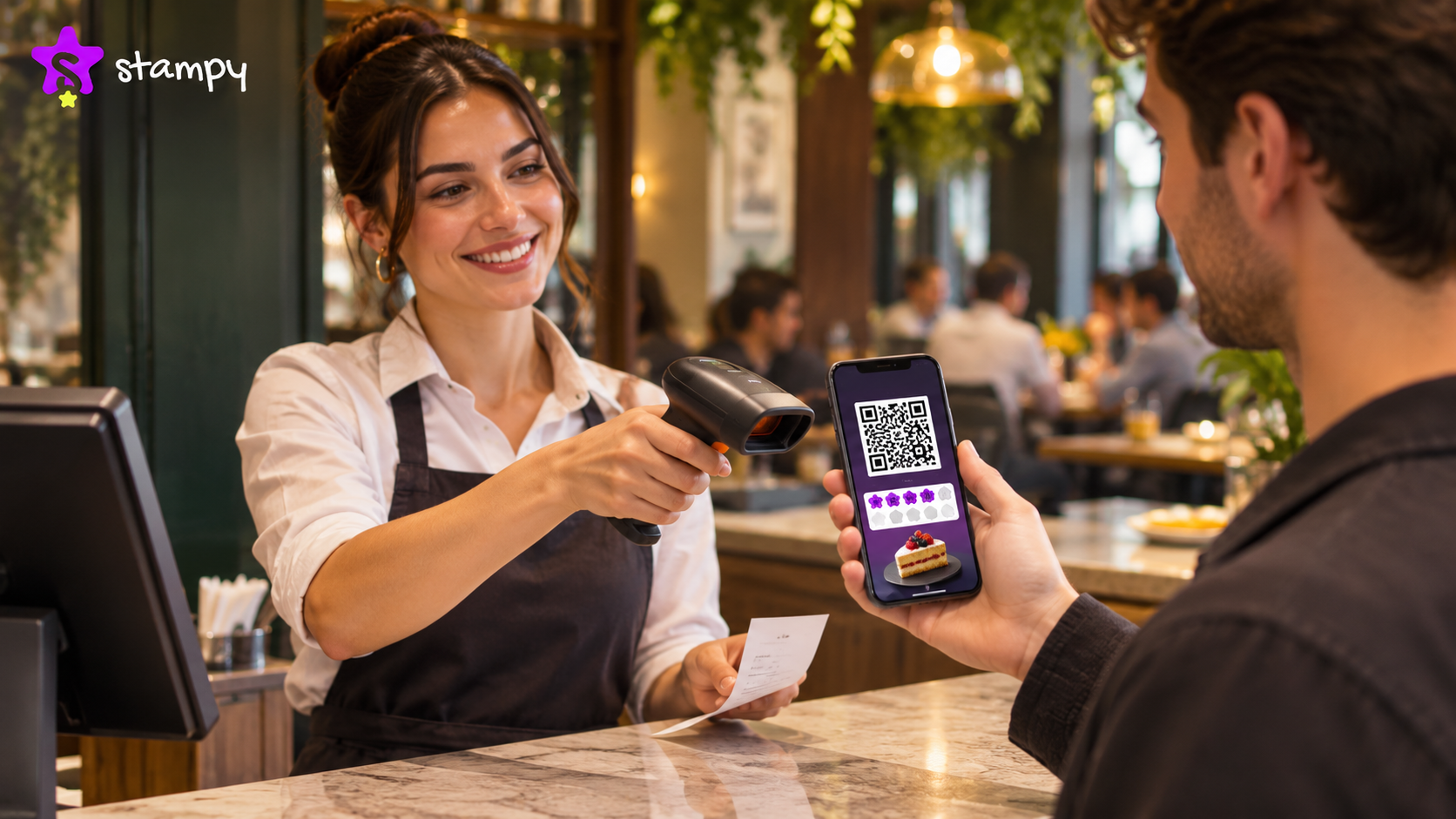
With the Stampy Partner app, staff can award stamps as follows:
- Ask the customer to open their personal QR code.
- Check that their order meets the campaign conditions.
- Scan the customer's code through the Partner app.
- Award the appropriate stamp to their digital loyalty card.
The customer's updated stamp balance appears in their account. When the card is complete, they can present their available reward for redemption.
Staff still need to check the purchase before scanning. Having a loyalty account doesn't automatically make every order eligible for a stamp.
Step 7: Train Your Restaurant Staff
Set aside some time before service to show employees how the loyalty programme works. Let them practise scanning QR codes, awarding stamps and checking available rewards.
Go over the less common situations as well. Your staff should know what to do when someone returns an order, requests an excluded reward or cannot find their digital card.
Introducing the programme to diners doesn't require a lengthy explanation. Staff could simply say:
Would you like to collect a stamp for today's meal? You'll get a free dessert after five qualifying orders.
Customers who are interested can then ask how to join. Keep the conversation brief, particularly when other diners are waiting to pay.
Step 8: Test Your Digital Loyalty Card Before Launching
Don't announce the programme until someone has tested it from beginning to end. Create a customer account, make a test purchase, collect stamps and try claiming the reward.
Pay attention to the following areas:
- Registration Process: Check whether new customers can join without needing assistance from staff.
- Stamp Collection: Confirm that qualifying purchases receive the correct number of digital stamps.
- Employee Access: Make sure authorised staff can use the scanning app during service.
- Reward Availability: Check that rewards become available when customers complete their stamp cards.
- Reward Redemption: Test whether employees can verify and record a customer's reward claim.
- Branch Access: Confirm that participating locations can access the campaign where applicable.
Ask someone who wasn't involved in creating the campaign to try it. They may find that certain instructions are less obvious than you originally thought.
You can also review how the digital loyalty system works before introducing your card to diners.
How to Set Loyalty Rewards Without Reducing Your Restaurant's Profits
Giving customers something free comes at a cost, even if it is only a small side dish. Work out what each reward costs your restaurant before deciding how many purchases customers need to make.
Calculate the Actual Cost of Your Reward
Take a starter that sells for £6.50. Its ingredients and packaging might cost £1.90. The cost of providing that starter as a reward would include the £1.90 and any additional preparation or service expenses.
Now consider the five paid meals a customer needs to purchase before earning it. Is there enough profit from those meals to cover the reward comfortably?
It's also worth considering whether regular customers usually pay for that starter. Giving it away could mean losing revenue from something they would otherwise have purchased.
Reward Additional Visits Instead of Existing Spending
Giving extra stamps on a busy Saturday evening might not bring any additional diners through your doors. Many of those customers were already planning to visit.
A quieter lunchtime could be a better opportunity. Offer an extra stamp with selected lunch meals and see whether it encourages customers to visit more often.
Compare your lunchtime orders before and during the campaign. You want to know whether the offer is generating extra business, rather than simply increasing reward costs.
Make Rewards Easy Enough to Achieve
What is the best way to reward repeat restaurant customers? Give them something they would enjoy earning without making them wait too long.
A customer who visits twice a month would need around ten months to collect twenty stamps. That's quite a long wait for a free dessert.
Five or six qualifying purchases may be a more reasonable target. The right number depends on how often your customers visit and what the reward costs you.
Digital Loyalty Card Ideas for Different Types of UK Restaurants
Your loyalty card doesn't need to look like every other restaurant's programme. Build the offer around the food you sell and the purchases you would like customers to make more often.
Restaurant Type | Digital Loyalty Card Idea | Business Objective |
Indian restaurant | Five qualifying curry orders, free starter | Repeat takeaway orders |
Pizzeria | Buy six pizzas, get one free | Repeat purchases |
Burger restaurant | Four burger meals, free side | Encourage meal purchases |
Fish and chip shop | Six qualifying orders, free chips | Increase repeat orders |
Casual dining restaurant | Five qualifying visits, free dessert | Increase visit frequency |
Fine dining restaurant | Four qualifying dining visits, complimentary course | Reward regular guests |
Lunch restaurant | Buy five lunch meals, earn a meal upgrade | Increase lunchtime sales |
Family restaurant | Five qualifying family meals, free sharing starter | Encourage family visits |
These are suggested offers rather than fixed rules. If you sell premium pizzas, for instance, you might only include selected pizzas in your free reward.
Pizzeria owners can find more suitable offers in these pizza shop loyalty programme ideas. Businesses that mainly serve takeaway orders can also consider these loyalty programme ideas for UK takeaways.
How to Switch From Paper Loyalty Cards to Digital Cards Without Losing Regular Customers
Some of your regulars may be just one stamp away from earning a free meal. Replacing their paper cards without offering an alternative could leave them feeling that their previous purchases no longer count.
Honour Existing Customer Stamps
Speak to your loyalty software provider about transferring existing paper stamps. Check whether the platform supports authorised manual adjustments before promising customers that their stamps can be moved.
If transfers aren't possible, let customers finish their existing paper cards. They can claim the reward they have been working towards and start collecting digital stamps afterwards.
Introduce Digital Cards to Existing Regulars First
Start with the people who already know your restaurant and regularly collect stamps. Show them the new card when they next visit.
Help them register and find their personal QR code. Their questions will give your staff a better idea of what other customers may need help with.
Keep Both Options Available During the Transition
There's no need to remove your paper cards on the same day your digital programme launches. Allow a short period for regular customers to get used to the change.
Display the date when you will stop issuing paper stamps. Explain how outstanding rewards will be handled, and make sure your employees follow the same arrangement.
Explain the Benefits of Going Digital
Show customers how they can check their stamps from home or see whether a reward is available before visiting your restaurant.
They no longer need to search through their wallets for a paper card every time they order a meal.
For your business, a digital loyalty system for customer retention also makes it easier to keep track of repeat visits and reward claims.
How to Get Restaurant Customers to Actually Use Your Digital Loyalty Card
Once your card is ready, people need to know about it. Start inside your restaurant, where customers can see the rewards and ask your staff how the programme works.
According to Toast's 2025 Consumer Preferences Survey, 83% of surveyed UK diners were likely or very likely to use a digital loyalty programme, such as an app-based punch card. The interest is there, but the offer still needs to be worthwhile.
Display Your Loyalty Offer Where Customers Pay
When diners are paying their bills, they may have already made a purchase that qualifies for a stamp. Take that opportunity to tell them about your loyalty card.
You could use the following promotional materials:
- Counter Displays: Place reward details where customers can read them while paying.
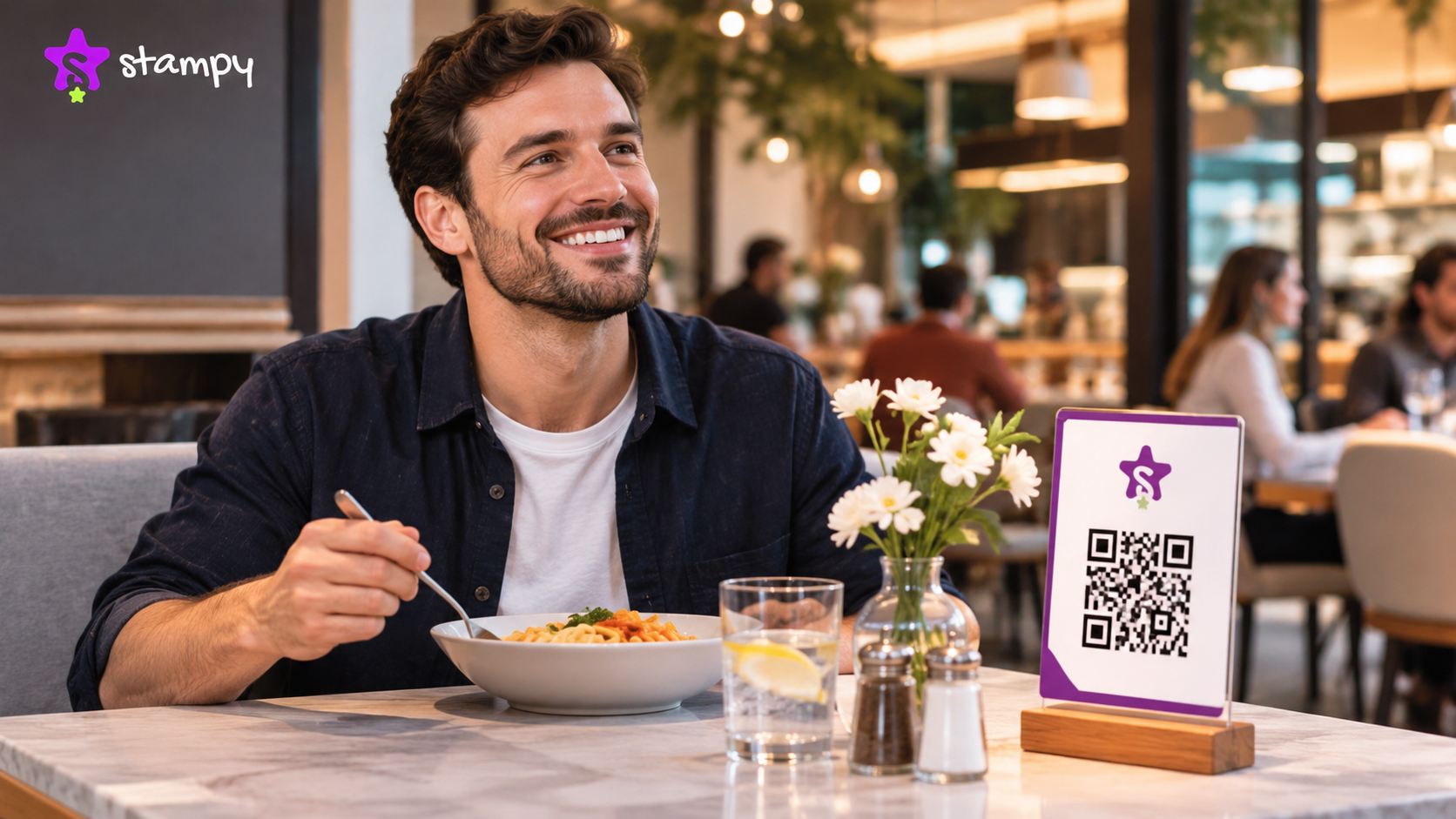
- Table Stands: Let diners discover your loyalty offer while waiting for their food.
- Printed Receipts: Include short joining instructions where your receipt system allows it.
- Restaurant Signage: Display loyalty offers near entrances, payment areas and takeaway collection counters.
The message doesn't need to be complicated. "Buy Five Lunch Meals and Earn a Free Dessert" gives customers a clear reason to join.
Connect Your Digital Menu With Loyalty Rewards
People often look through a restaurant's menu before deciding where to eat. When your menu and rewards are available in the same app, customers can check both together.
Someone browsing your lunch menu might notice that five qualifying meals earn them a free starter. They already know what they like to order, and now they have an additional reason to return.
A digital menu can display food, prices, restaurant details, branch locations and current campaigns without accepting online orders or payments.
Combining digital menus and loyalty rewards gives your customers useful information about your restaurant before their next visit.
Promote Your Loyalty Card on Social Media
Take a photo of the dessert or starter customers can earn and post it on your restaurant's Instagram or Facebook page. Mention the number of purchases needed and how people can join.
A short video showing an employee scanning a customer's QR code could also help those unfamiliar with digital stamps.
When promoting your loyalty programme on social media, include any important restrictions and let people know which branches accept the offer.
Remind Customers When They Are Close to a Reward
A customer might have four stamps on their card without remembering that they only need one more for a free dessert.
Where your software supports it, send a short reminder to eligible customers who are close to earning their rewards. Make sure you have the appropriate marketing permission.
There is little reason to send daily promotional messages about the same offer. A reminder about an almost-completed card is likely to be more useful to the customer.
Use One Loyalty Card Across Participating Branches
Someone who regularly visits two branches of your restaurant may prefer to collect stamps on the same card.
If both branches participate in a shared campaign, the customer could earn three stamps at one location and two at another. All five stamps count towards the same reward.
Can customers use the same loyalty card at different restaurants? A shared loyalty app may allow diners to join several restaurants. However, unrelated businesses generally maintain separate stamp balances and rewards.
For restaurant chains, a multi-location loyalty programme can make shared rewards easier to manage. Agree on the reward conditions across participating branches before introducing the campaign.
How Much Does It Cost to Create a Digital Loyalty Card in the UK?
That depends on the software, the size of your restaurant business and the type of rewards you plan to offer.
An independent restaurant running one loyalty campaign will probably have fewer expenses than a chain operating across several locations.
Cost Factor | What Restaurant Owners Should Consider |
Software subscription | Monthly or annual platform charges |
Setup costs | Account configuration and campaign creation |
Hardware | Existing phones, tablets or additional equipment |
Promotional materials | Table displays, posters and printed signage |
Reward costs | Actual cost of complimentary menu items |
Additional branches | Charges for managing multiple locations |
Think about what your restaurant needs before paying for a subscription. If you only operate one branch and want to offer a single stamp card, you may not need a plan designed for larger businesses.
Compare the available loyalty subscription plans and check their campaign limits, staff allowances and branch requirements. Remember to confirm the billing currency, applicable taxes and renewal charges.
Create Your Restaurant's Digital Loyalty Card With Stampy
We give restaurant owners a way to replace paper stamp cards, manage customer rewards and see how often diners return. Everything can be managed without developing a separate mobile app for your restaurant.
Create Custom Digital Stamp Cards
Set up a campaign based on the meals your restaurant already sells. Decide which purchases earn stamps, how many customers need and what they receive once their card is complete.
A restaurant serving popular lunch meals could offer a free selected dessert after five qualifying orders.
Simplify Stamp Collection With QR Codes
After checking a qualifying order, your employee scans the customer's personal QR code using the Partner app.
The stamp is added to the customer's digital card. Diners can check their progress and available rewards directly on their phones.
Manage Restaurant Rewards Without POS Integration
Keep your existing till and payment arrangements. Customers pay for their meals in the usual way, while staff handle stamp collection separately through the loyalty app.
This is particularly useful for independent restaurants that don't want to replace their existing payment equipment.
Bring Diners Back With Personalised Campaigns
Planning a new lunchtime offer? Create a campaign around selected menu items and let relevant customers know about it using the available notification features.
Your notification options depend on your chosen plan and customer permissions.
Track Customer Loyalty With AI-Powered Insights
Find out how many customers are returning, collecting stamps and claiming rewards through the business dashboard.
AI-powered insights can help you understand customer activity and review your campaigns. Use this information alongside your actual sales and food costs when deciding which rewards to continue.
Explore the digital loyalty features available for your restaurant.
Conclusion
A digital loyalty card doesn't need an expensive reward or a complicated set of rules. Something as simple as a free starter after five qualifying meals could be a suitable offer for your restaurant.
Once you know how to create a digital loyalty card, start with one campaign and see how customers respond. Help your staff understand the programme, make the reward visible inside your restaurant and give existing paper card holders enough time to switch.
Keep an eye on how many customers complete their cards and whether they are visiting more often. If the reward costs too much or takes too long to earn, make the necessary changes.
Start with a popular menu item, work out your reward costs and create your first digital loyalty card.
Frequently Asked Questions
Can I Create a Digital Loyalty Card for My Restaurant Without Coding?
Yes. Ready-made loyalty software lets you create digital stamp cards without coding. You can choose your reward, set the stamp requirements and manage the campaign through a business dashboard.
Do I Need a POS System to Run a Digital Restaurant Loyalty Card?
No. Standalone loyalty platforms can work separately from your restaurant's payment system. Staff check eligible purchases and award stamps through a scanning app.
Can I Make a Digital Loyalty Card for My Restaurant for Free?
Yes, some loyalty platforms offer free trials or limited free plans. Check what features are included and how much the subscription costs once the trial ends.
Can Customers Use the Same Loyalty Card Across Multiple Restaurant Branches?
Yes, provided your software supports shared loyalty campaigns. Customers can collect stamps and redeem rewards across participating branches according to your programme's conditions.
Do Customers Need to Download an App to Use a Digital Loyalty Card?
It depends on the platform. Some digital loyalty cards require a mobile app, while others allow customers to store cards in Apple Wallet or Google Wallet.
Can I Transfer Existing Paper Loyalty Card Stamps to a Digital Card?
This depends on whether your software supports manual stamp adjustments or transfers. If it doesn't, allow customers to finish their existing paper cards before moving to the digital programme.