18 min read




Key Takeaways
- Pick a purchase your staff can recognise and a reward your customers already want.
- Work out how long a regular customer would need to fill the card. Eight weekly visits and eight monthly visits are very different offers.
- Price the reward using what it costs you to provide it.
- Test the first stamp, the last stamp and the reward scan before inviting customers to join.
- After launch, check how many customers come back for a second stamp.
Introduction
Paper loyalty cards are easy to forget, lose or damage. Customers may regularly visit your business but miss out on rewards because they leave their cards at home. For business owners, managing physical cards also makes it difficult to track customer activity and understand repeat purchasing behaviour.
A digital loyalty card offers a simpler way to reward customers. Instead of carrying a physical card, customers collect stamps or points through a digital account on their phones. Businesses can create reward campaigns, manage customer participation and monitor performance without developing their own mobile application or replacing their existing checkout system.
Understanding how to create a digital loyalty card helps you choose suitable rewards, establish clear earning rules and build a programme that customers will actually use.
What Is a Digital Loyalty Card and How Does It Work?
A digital loyalty card keeps a record of what a customer has earned. Someone who has collected six of the eight stamps needed for a reward can open the card on their phone and see that they need two more. You decide which purchases count and what they can claim when the card is full.
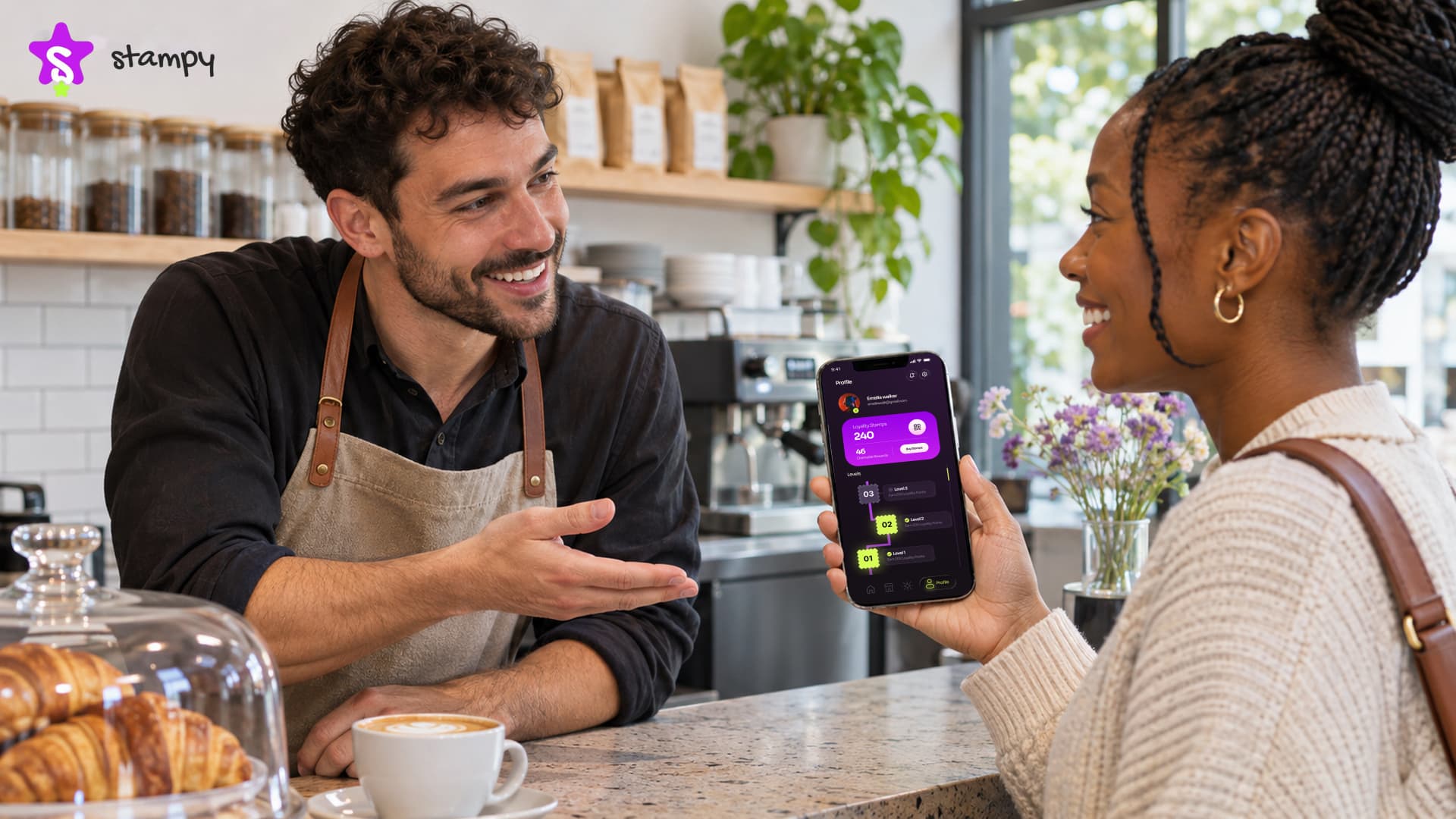
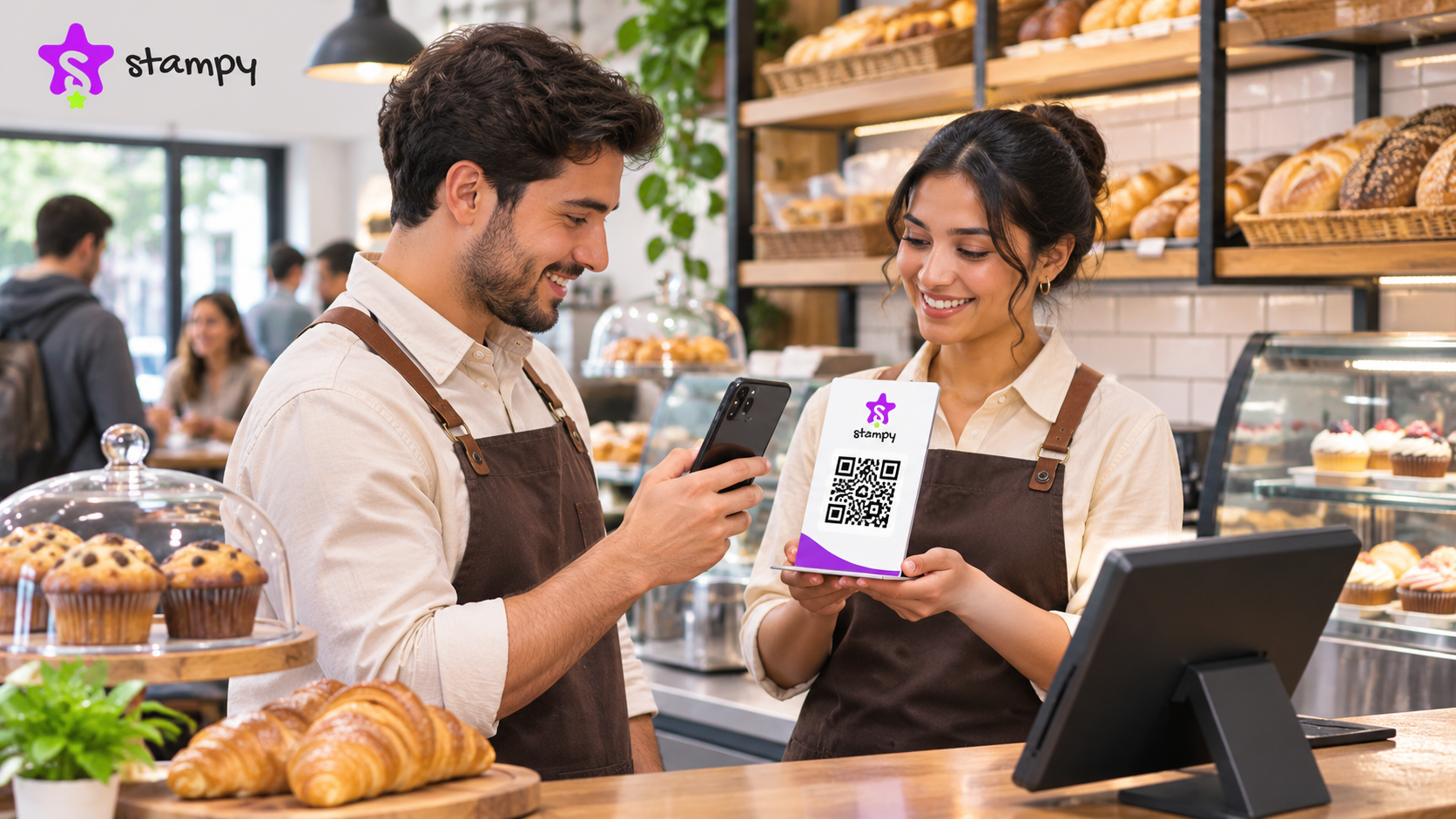
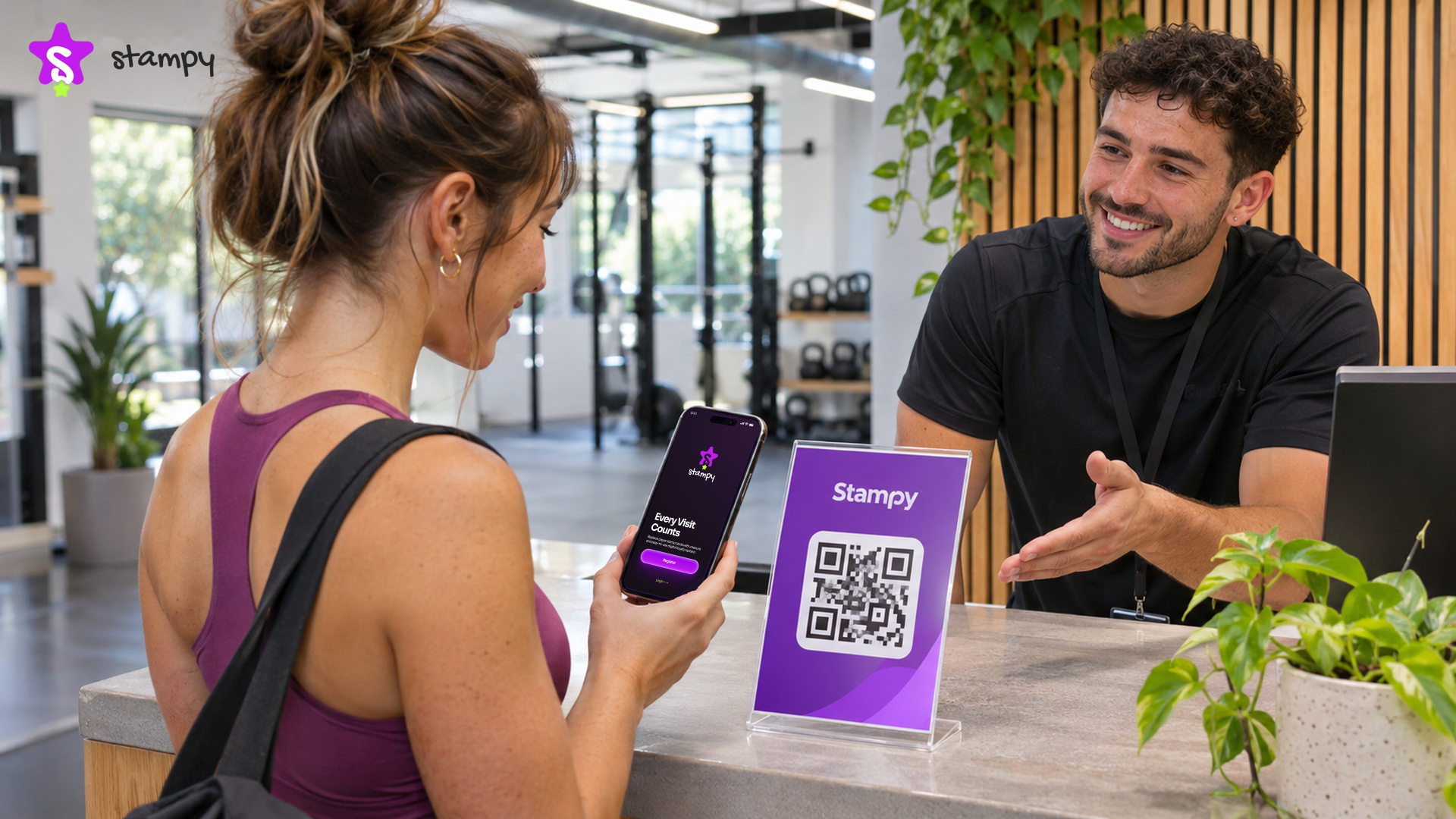
With Stampy, customers register in the app and get a QR code linked to their account. After a qualifying purchase, an employee scans that code with the Partner app. The customer can see the new stamp on their phone.
The final stamp unlocks the reward. When the customer wants to use it, they show the reward QR code. Staff scan it, hand over the reward and the app records the redemption. That last scan matters because it distinguishes a reward someone has earned from one you have already given them. The digital loyalty card guide explains the customer’s side of the process.
What Do You Need Before Creating a Digital Loyalty Card?
Have your business name, logo, contact information and branch details ready. Then settle a few questions with the people who will actually use the card at checkout.
Decide before setup | What to write down |
Which purchases count? | Name the product, service, completed appointment or minimum spend. |
How many stamps does a sale earn? | Specify whether the customer earns one per item, order or visit. |
What can customers claim? | Give the reward a name and state any size or service limits. |
How long should it take? | Estimate the number of visits and the time between them. |
Where can customers use it? | List the branches that will issue stamps and honour rewards. |
Who will handle it? | Identify the staff on each shift who need an account and a compatible phone. |
One detail worth settling early is what happens when someone buys two qualifying items in one order. If your sign says “one stamp per coffee”, that customer earns two. If it says “one stamp per visit”, they earn one. Either rule can work, but it helps to agree on the answer before someone asks at the till.
How to Create a Digital Loyalty Card for Your Business in 9 Steps
1. Choose the Right Type of Digital Loyalty Card
Look at a few typical sales. If most customers spend roughly the same amount, a stamp for each qualifying purchase is easy to explain. If one customer spends $15 and another spends $100, you may prefer a points system that recognises the difference.
Loyalty card type | How customers earn a benefit | When it fits |
Stamp card | Collect a stamp for a qualifying purchase or visit | Customers make similar purchases regularly |
Points card | Earn points based on spending or eligible activity | Order values vary |
Membership card | Receive benefits while a membership is active | Customers already pay for ongoing access |
Tiered rewards card | Unlock benefits at higher spending or activity levels | You have distinct benefits to offer at each level |
Cashback card | Receive a share of eligible spending back | Your margins can support a return on each qualifying sale |
If you’re choosing between stamps and points, try explaining each offer using a sale you made yesterday. Which one would have made more sense to that customer?
Next, decide where the card will live. An app can hold stamps, rewards and visit history. A mobile wallet pass sits in Apple Wallet or Google Wallet when the provider supports it. A browser-based card opens from a web link. Before picking a format, try opening each one as if you were next in the queue. This comparison of loyalty apps, wallet passes and paper cards covers the differences at sign-up and checkout.
2. Choose a Reward Your Customers Actually Want
Start with what people already pay for. Which add-on do regulars ask about? Is there a service upgrade they like but only buy occasionally? Either may make a better reward than an item you happen to have in surplus.
Suppose a coffee shop sells a regular coffee for $5. It could offer customers a free regular coffee after eight paid ones. Someone who orders that drink every morning knows what the reward is worth and how they’ll use it.
Other options include a discount on a selected item, access to a member offer or a seasonal extra. If you’re torn between two affordable rewards, ask a few regulars which one they’d pick. Their reasons can be more useful than the vote. Someone might love an upgrade in principle but rarely book the service it goes with.

3. Calculate Reward Costs and Set Stamp Requirements
Take the eight-coffee offer. Suppose each regular coffee costs the shop $1.50 to make and sells for $5. Here’s what one completed card looks like.
Cost factor | Example |
Selling price per coffee | $5.00 |
Direct cost per coffee | $1.50 |
Paid coffees required | 8 |
Revenue from those eight coffees | $40.00 |
Direct cost of the free coffee | $1.50 |
Reward cost as a share of qualifying revenue | 3.75% |
Divide $1.50 by $40 and multiply by 100 to get 3.75%. The customer gets a drink they would normally pay $5 for. The shop spends $1.50 to provide it.
That figure covers the free drink only. It leaves out wages, rent, software fees and other expenses, and it doesn’t tell you whether anyone made an extra visit because of the offer. Include those expenses when you work out the cost of your loyalty programme.
Now check the target against your customers’ routines. Someone who buys one coffee a week can earn the reward in about eight weeks. Someone who visits once a month faces an eight-month wait. For a less frequent purchase, a smaller reward after fewer visits may be more appealing.

4. Select a Digital Loyalty Card Maker for Your Business
When trying a digital loyalty card maker, take it through a sale from beginning to end. Build an offer, award a stamp and redeem a reward. Let an employee try it too, preferably on the phone they’ll use during a shift.
Feature | Question to check during a trial |
No-code setup | Can I change a reward myself? |
Branding | Can customers recognise my business on the card? |
QR scanning | Can staff issue a stamp and tell when a scan has succeeded? |
Custom rewards | Can I describe exactly what the customer gets? |
Staff accounts | Are there enough accounts for the people who need access? |
Push notifications | Who can I message, and how many messages does the plan include? |
Reporting | Can I see whether members return and use their rewards? |
Branch access | Can staff find the right campaign at each location? |
Checkout compatibility | What does the cashier have to do after taking payment? |
Pricing | Which plan covers the features I’ve just tested? |
A standalone digital loyalty card system lets staff take payment through the existing till and issue the stamp separately. That works well for an offer such as one stamp per regular coffee. If your rule depends on how much someone spent, staff may have to check the receipt themselves. Consider that extra step when comparing loyalty programmes without POS integration.
When budgeting for digital loyalty card software, check the plan you expect to buy. Custom stamp designs, advanced reports and manual notification allowances can vary between plans.
5. Create and Customise Your Digital Loyalty Card
Once you’ve chosen a platform, use the decisions you wrote down earlier to build your first campaign. In the business setup walkthrough, the process covers registration, branches, campaigns and rewards.
- Register your business and enter its contact information.
- Add the participating branch or branches.
- Choose a plan that covers your locations and team.
- Create a campaign and select the qualifying product or purchase.
- Enter the number of stamps customers need.
- Name the reward and describe what it includes.
- Apply the stamp designs and branding available on your plan.
- Review the card on a phone before making it available to customers.
Pay particular attention to the reward name. “One free regular coffee” tells someone what to order. “Loyalty reward” leaves them asking the cashier what they’ve earned.
6. Set Clear Rules for Earning and Redeeming Rewards
Customers should be able to read the main offer while waiting to pay. Keep it short, then make the fuller terms available for questions about refunds, branch access and expiry.
Rule | Example for the coffee offer |
Eligible purchase | A paid regular-sized coffee |
Stamp collection | One stamp per qualifying coffee |
Reward requirement | Eight stamps |
Available reward | One complimentary regular-sized coffee |
Redemption | Show the unlocked reward code for staff to scan |
Participating locations | The branches named in the offer |
Refunds | Explain how staff will handle a stamp from a refunded purchase |
Expiry | Give the deadline, if one applies, and say when it starts |
Tell staff what to do when something goes wrong, too. If a customer is charged twice and one payment is refunded, the cashier needs to know who can check the loyalty record. A written reward redemption policy gives employees the same answer across shifts.
Give employees individual accounts and ask them to check each purchase before scanning. A staff-linked scan records who issued the stamp. The employee still has to decide whether the sale qualifies.
7. Train Your Staff and Test Your Digital Loyalty Card
Pair up two employees. One plays the customer and the other handles the till. Have them join the programme, make a qualifying purchase and check the customer’s phone. Then ask them to try a purchase that doesn’t qualify and explain the rule in their own words.
Pre-launch checklist
- A new customer can register and find their card.
- Staff can explain the offer in one sentence.
- A qualifying purchase earns the correct number of stamps.
- The customer can see their updated total.
- The final stamp unlocks the promised reward.
- Staff can scan the reward and confirm it has been redeemed.
- Each participating branch can access the right campaign.
- Staff know what to do if a scan fails or the connection drops.
Practise a failed scan before launch. The first thing to check is whether the stamp has already appeared. If neither person can confirm it, keep the receipt reference for a manager to check later. That gives the customer a way to get their stamp without staff having to guess whether to scan again.
8. Launch Your Digital Loyalty Card and Encourage Customers to Join
A qualifying purchase gives staff a natural moment to mention the card. For the coffee offer, a cashier could say, “This coffee earns a stamp. Once you’ve bought eight, your next regular coffee is free. Would you like to start with this one?”
Put the same offer on a small sign near checkout. If customers need to download an app, say so on the sign so they can start while they wait. With a shared loyalty app, they can keep rewards from several participating businesses in one place.
For social media promotion, a short demonstration can answer a question a poster can’t. Show where to find the customer code, what the first stamp looks like and where the reward appears. If you offer a welcome incentive, check that your platform can issue it and that you can afford it for everyone who qualifies.
Give paper-card holders a clear answer. A regular with seven of eight stamps will want to know whether the next purchase still earns their reward. You could let customers finish existing cards or have staff verify and credit the balance if your platform allows it. Pick the policy before launch and brief every shift.
If customers are slow to join, listen to the questions they ask at the counter. “What do I get?” points to a different problem from “Where do I download it?” Adjust the sign or invitation to answer the question you actually hear. These ways to encourage loyalty sign-ups cover both.
9. Track Performance and Improve Your Digital Loyalty Card
Start with the second stamp. A first stamp tells you someone joined. A second stamp on a later visit tells you they returned and used the card again. Allow enough time for customers to come back at their usual pace before judging the result.
What you notice | What to check first |
Few customers join | Can they see the offer, and are staff mentioning it? |
Members stop after one stamp | How long will the reward take to earn? Do customers want it? |
People fill their cards but rarely claim the reward | Can they find the unlocked reward and use it at their usual branch? |
Regulars go longer than usual between visits | Would a relevant reminder help them use stamps or a reward they already have? |
Rewards cost more than expected | What did the rewards actually cost to provide this month? |
One branch records fewer stamps | Does every shift have access to the campaign and a working phone? |
Look at new members, recorded visits, stamps and redemptions together. If one branch issues far fewer stamps, check its staff access before deciding customers there dislike the offer. And if people stop using their cards, remember that an unrecorded visit won’t appear in the loyalty dashboard.
For inactive or lapsed customers, base any reminder on their usual visit pattern. A month away might be unusual for a weekly customer and perfectly normal for someone who books every six weeks. If you change the offer after reviewing the figures, explain what happens to stamps and rewards customers already hold.

Digital Loyalty Card Examples for Different Types of Businesses
The reward can be small if it fits the next purchase. A complimentary side gives someone a reason to return for a meal, while a treatment upgrade can make the next appointment feel worth booking.
Business | Example offer | Detail to settle |
Coffee shop | Buy eight coffees and get a regular coffee free. | Do two coffees in one order earn two stamps? |
Restaurant | Buy six qualifying meals and receive a complimentary side. | Which meals count and which sides can customers choose? |
Hair salon | Complete five appointments and earn a treatment upgrade. | Which appointments can include the upgrade? |
Nail salon | Complete five manicures and earn complimentary nail art. | What design or amount of appointment time does the reward cover? |
Gym | Attend ten eligible paid classes and get one class free. | Which classes qualify, and does attendance count when a booking is missed? |
Car wash | Buy six qualifying washes and earn a basic wash. | Can customers pay the difference for a higher-priced wash? |
Choose a target that fits your own customers. Five appointments may take months to complete, even for a loyal client. Before borrowing an offer that works for a business with weekly visits, work out when your regulars would actually get to use it.
How Much Does It Cost to Create a Digital Loyalty Card?
Budget for the software and for running the offer each month. A subscription is easy to price. Reward costs depend on how many customers finish the card and what it costs you to serve them.
Cost | What to include |
Software | Monthly fee or annual payment |
Setup | Any onboarding fee and the time spent building and testing the card |
Rewards | Direct cost of free items, discounts, upgrades or staff time |
Equipment | A compatible phone or scanner if you need one |
Branding | Stamp designs and printed checkout signs |
Additional branches | The plan needed for your locations and staff accounts |
Marketing | Notification limits and promotional materials |
Stampy Pricing Plans
Plan | Monthly billing | Monthly equivalent with annual billing |
Starter | $19.99 | $16.99 |
Growth | $29.99 | $25.49 |
Pro | $49.99 | $42.49 |
Starter covers one active branch, one campaign and two team accounts, with basic customer insights. Growth covers up to three branches, three active campaigns and eight team accounts. It also includes custom stamp designs and advanced customer insights. Pro covers up to six branches, five active campaigns and fifteen team accounts, with a higher manual notification allowance.
The platform offers a 30-day free trial. The annual column shows the monthly equivalent of paying yearly. Check the current prices, billing terms and plan limits to see what you would pay after the trial.
Common Mistakes to Avoid When Creating a Digital Loyalty Card
- Setting a target by stamp count alone. Translate the target into weeks or months. If the wait feels long, price a smaller reward that customers can earn sooner.
- Leaving the earning rule open to interpretation. Decide what happens when a customer buys two eligible items, uses a discount or requests a refund.
- Hiding the offer. Put the reward where people pay and mention it while the purchase still qualifies for a stamp.
- Choosing a reward from its selling price alone. Include the materials and time you need to provide it. A free upgrade may use a full appointment slot.
- Training only the launch-day team. Give weekend and evening staff the same chance to practise issuing a stamp and redeeming a reward.
- Sending reminders too often. An unlocked reward is a specific reason to get in touch. Repeatedly announcing that the programme exists gives customers little to act on.
- Counting registrations and stopping there. Check whether members use their cards again and whether they claim what they earn.
- Moving the target mid-card. If the next campaign requires ten stamps, decide how someone who already has seven stamps on an eight-stamp card can finish on the original terms.
When participation is low, work on the first point where customers get stuck. A bigger reward won’t help someone who can’t find their card at checkout. The guide to why loyalty programmes fail covers common problems with joining, earning and redeeming.
Create and Manage Your Digital Loyalty Card With Stampy
You manage the campaign in a web portal. Customers use the shared mobile app to see their stamps and rewards, and staff use a compatible phone to scan codes. You can keep taking payments through your existing checkout.
What you need to do | How the platform helps |
Replace paper cards | Stamps are recorded against the customer’s account. |
Make the card recognisable | Eligible plans support custom stamp designs. |
Set up an offer | Choose the qualifying product, stamp target and reward. |
Contact members | Send relevant push notifications within your plan’s allowance. |
See how the offer is used | Review recorded customer activity and campaign reports. |
Run campaigns across branches | Manage participating locations and staff access from the dashboard. |
If you use the trial, give yourself a practical test. Ask an employee to issue a stamp, help a customer find an unlocked reward and redeem it using their own staff account. That shows you how the platform features fit an ordinary shift.
Conclusion
Start with one purchase your customers already make and one reward they’ll be pleased to use. Work out what the reward costs you and how long a regular customer would wait to earn it. Those two figures will tell you whether your first offer makes sense for both of you.
Before you put a sign by the till, hand the card to an employee and ask them to take you through one earned stamp and one claimed reward.
Frequently Asked Questions
How Can I Create a Digital Loyalty Card for My Small Business?
Choose a loyalty platform, add your business details and build one campaign around a qualifying purchase and a reward. Set the stamp target, preview the customer’s card on a phone and test the offer at checkout.
Can I Create a Digital Loyalty Card for Free?
Yes, you can create and test a card during a provider’s free trial. Check when billing starts and which features the paid plan includes. Allow for the cost of any rewards you give customers during the trial.
How Many Stamps Should a Digital Loyalty Card Have?
Choose a number that fits how often customers buy and what the reward costs you. Six to eight purchases might be reasonable for a frequent, low-cost purchase. If customers book every two months, even six stamps could take about a year to collect.
Do I Need to Develop an App to Create a Digital Loyalty Card?
No. You can set up the campaign through a ready-made loyalty platform. Depending on the provider, customers access their card through a shared app, a wallet pass or a browser link.
Can I Create a Digital Loyalty Card Without POS Integration?
Yes. Take payment through your existing point-of-sale system, then have staff check the purchase and scan the customer’s code in the loyalty app. Give staff a clear rule for what qualifies so the extra step is quick.
Can I Turn My Existing Paper Loyalty Cards Into Digital Cards?
Yes. You can honour existing paper cards until customers finish them, or transfer verified stamps if the platform supports it. If you transfer a balance, mark the paper card when you credit it so the same stamps are counted once.
Can Customers Use the Same Digital Loyalty Card at Multiple Locations?
Yes, if the platform and your campaign support earning and redeeming at those locations. Before advertising that benefit, issue a test stamp at one branch and claim the resulting reward at another.
How Do I Prevent Customers From Collecting Fake Digital Stamps?
Require an authorised employee to check the purchase and issue the stamp from their own staff account. If the record looks unusual, compare the scans with receipts before deciding what happened.
Can Customers Add Digital Loyalty Cards to Apple Wallet or Google Wallet?
Yes, if the provider offers a compatible wallet pass. An app-based loyalty card can have a QR code without offering a wallet pass, so test the specific card before promising customers that option. Apple explains how to add and use eligible passes in Apple Wallet.
Can I Create a Digital Loyalty Card With My Business Logo?
Yes, if your provider and plan support logo uploads. Preview the result at the size customers will see on their phones. They should be able to recognise your business and read the reward name at a glance.